Quick overview
This guide breaks down the top AI workflow builders of 2025, how to evaluate them, and where each fits. We compared and evaluated these solutions to make it easy to find and quickly evaluate the perfect AI workflow builders for your team.
Top 6 AI workflow builder shortlist
If you only want the contenders that matter most for AI forward orgs in 2025, here’s the shortlist:
Vellum AI → Best overall for technical and non-technical teams, with deep building and collaboration features for production-grade AI workflows that scale. Zapier → Best for quick, non-technical SaaS automations. Make → Best for ops teams managing high-volume, complex logic. n8n → Best for technical teams needing open-source, self-hosted extensibility. Pipedream → Best for developer-heavy teams who want code-level control. StackAI → Best for enterprise orgs with compliance-heavy, AI-native needs.
The best AI pilots I’ve seen are when an org starts seeing returns before their AI agents are fully optimized. Why? Because it shows that they use the right workflow builder to enable their team to build and ship agents at scale.
AI workflow building requires deep collaboration between non-technical teammates and engineers to make sophisticated workflows with stakeholder and SME level context. So by the time you are at the agent optimization stage, half the battle is already won.
With MIT finding that 95% of genAI pilots fail to reach production, the path forward in 2025 is making a huge leap from being a AI automation dev-only discipline to a team sport [1] . It all starts with picking the right platform to enables the leap to be possible
I’ve seen early movers that choose the right platform for their org quickly pass repetitive, low value processes with AI agent workflows. Because they started early with the right tooling, they’re already expanding into more complex automations that deliver exponential ROI.
What is an AI workflow builder?
An AI workflow builder lets you visually design, execute, and monitor multi-step automations that combine LLMs/agents, data ops, and business logic. Think drag-and-drop nodes (or low-code blocks) that call models, route on semantics, fetch context with retrieval, and hand off to humans or downstream systems.
Here are top three platform functions to keep in mind as you evaluate AI workflows:
Low-code & collaboration features: Makes it easy for non-technical teammates to sketch, test, and adjust workflows without needing to write full code. Deep Developer functionality: Gives engineers the ability to extend, customize, and harden workflows with SDKs, custom nodes, and integrations. Governance: Provides version control, permissions, audit logs, and monitoring so organizations can trust and scale their workflows safely.
Why use a AI workflow builder?
Capgemini Research found that AI agents have the potential to generate $450 billion in economic value by 2028, yet in 2025, only 2% of organizations have deployed AI agents at scale with only 12% at partial scale [2] . This shows theres still a massive amount left on the table by most teams stalled by executing on AI initiatives.
An AI workflow builder helps make it much easier for organizations to turn AI experiments into everyday operations, closing the gap by:
Speeding up delivery: teams can test and launch workflows without waiting on long dev cycles. Reducing risk: built-in versioning, permissions, and monitoring keep workflows reliable. Enabling collaboration: non-technical users, engineers, and leaders can all contribute in the same environment.
What makes an ideal AI workflow builder?
The best AI workflow builders help you run AI in production with confidence. Based on how teams succeed, here are the qualities that matter most:
Ease of use: A clean visual builder so non-technical teammates can sketch and adjust workflows without coding. Developer depth: SDKs, custom nodes, and scripting options so engineers can extend and harden flows. AI-native features: Built-in support for retrieval, semantic routing, and agent orchestration, not just API calls. Testing and versioning: The ability to run evaluations, compare versions, and roll back safely. Observability: Tracing, logging, and performance metrics so you know what your workflows are doing. Governance: Role-based permissions, audit logs, and approval flows to keep things secure and compliant. Scalability: Flexible deployment options in cloud, VPC, or on-prem and pricing that can grow with your use case.
These should be non-negotiables to look for when discovering, comparing, and trialing platform solutions.
How to evaluate AI workflow builders?
Instead of aimlessly comparing spec sheets, here’s an evaluation framework that will ensure you make a sound, long-term choice tailored to your use case:
AI Workflow Builder Evaluation Framework Use this checklist to score each platform 1–5 and capture notes. It is designed to resize to any screen and scroll horizontally on small devices. Score vendors on each dimension. 1 = weak fit, 5 = strong fit. Evaluation Topics Key Questions to Ask Why It Matters Score (1–5) Notes Total cost of ownership What costs appear at scale? Any limits on tasks, runs, API calls, or premium connectors? Avoids tools that start cheap but get expensive as usage grows. Time to value How fast can a non-technical user ship a useful flow? How long to reach stable production? Shortens pilot cycles and accelerates ROI. Fit for your builders Can ops/PMs build without engineering? Do engineers get SDKs, scripting, custom nodes? Matches the tool to your actual team skills and workflow. AI readiness Are retrieval, semantic routing, tool use, and agent orchestration built in or bolted on? Determines whether it can run AI use cases without heavy custom glue. Testing and versioning Can you run evals, compare versions, promote safely, and roll back cleanly? Prevents regressions and supports evidence-based releases. Observability Do you get traces, logs, and performance metrics at the node and workflow level? Makes incidents diagnosable and improvements measurable. Governance and security Is there RBAC, SSO, audit logs, approval flows, and environment separation? Keeps workflows compliant and production-safe. Data control and lock-in Can you export flows or code? Is VPC or on-prem available? How portable are artifacts? Protects against vendor lock-in and eases migration. Ecosystem and integrations Are there prebuilt connectors, a marketplace, and partner add-ons? How fast do new ones ship? Reduces custom work and widens coverage. Vendor stability and roadmap How mature is the company? Do they publish a clear roadmap for AI features and ship on it? Signals long-term viability and innovation pace. Change management Does it support reviews, approvals, and safe promotion across environments? Prevents shadow workflows and keeps teams aligned. Support and community Are there SLAs, live support, and an active user or open-source community? Determines how quickly you unblock issues and learn best practices. Compliance and privacy Which standards are supported (SOC 2, ISO, HIPAA)? How are secrets and data retention handled? Meets regulatory needs and reduces risk.
The top 12 AI workflow builders in 2025
1. Vellum AI
Quick Overview
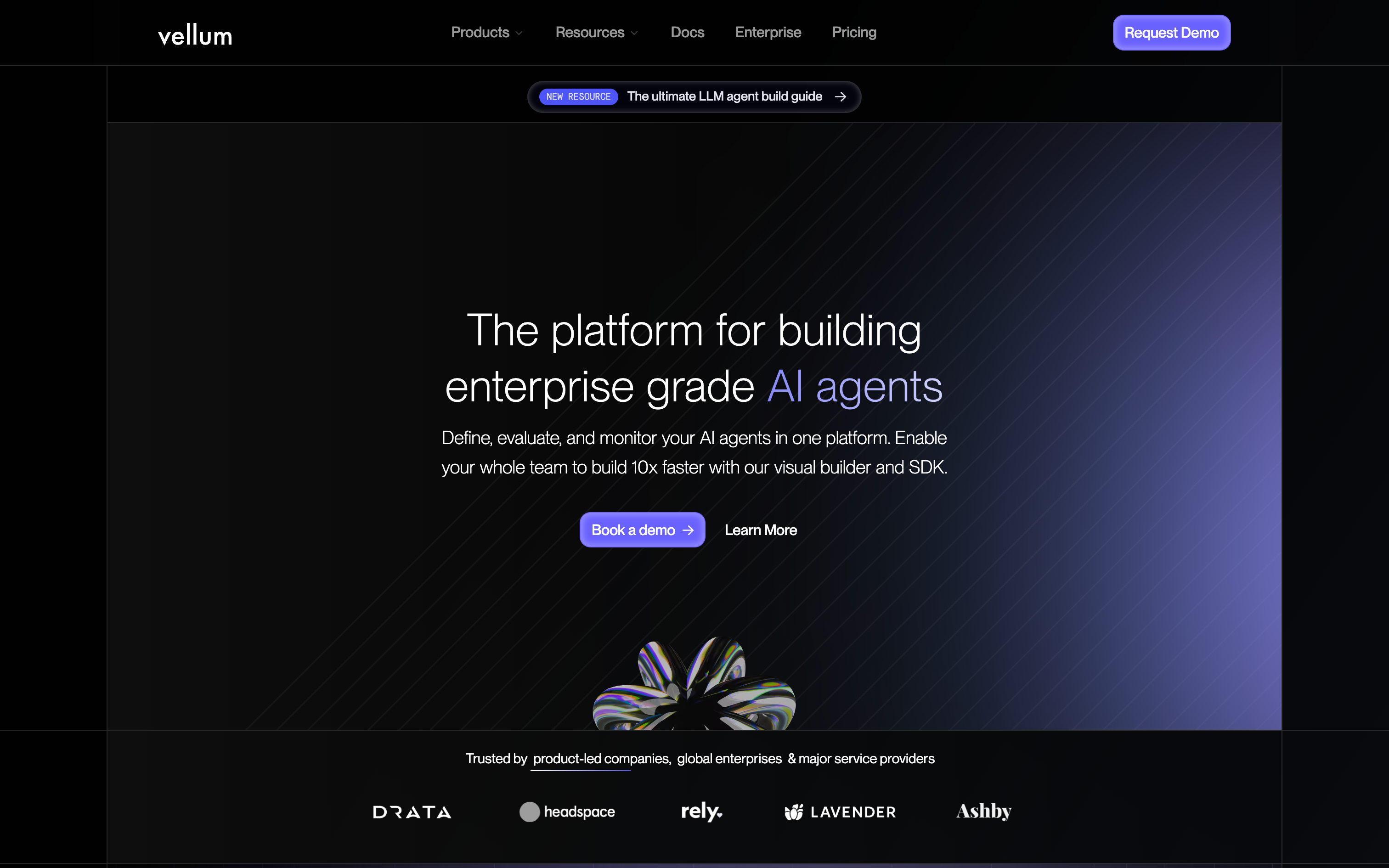
Vellum is the AI-first workflow platform designed for collaboration and production rigor. It combines an easy to use visual builder with a developer SDK, native evaluations, versioning, and observability. Teams can collaborate on building, testing, and deploying AI workflows faster and more reliably than ever before.
Best For
Organizations that want cross-functional collaboration and enterprise-grade reliability for AI workflows.
Pros
Visual builder + TypeScript/Python SDK (custom nodes, exportable code) Native evals, versioning, regression tests built in Observability & monitoring from node-level traces to workflow dashboards Flexible deploys (cloud, VPC, on-prem) Strong docs, templates, and responsive support
Cons
Steeper platform learning curve More AI-specialized than general connector tools
Pricing
Free tier; contact sales for enterprise pricing.
2. Zapier
Quick Overview
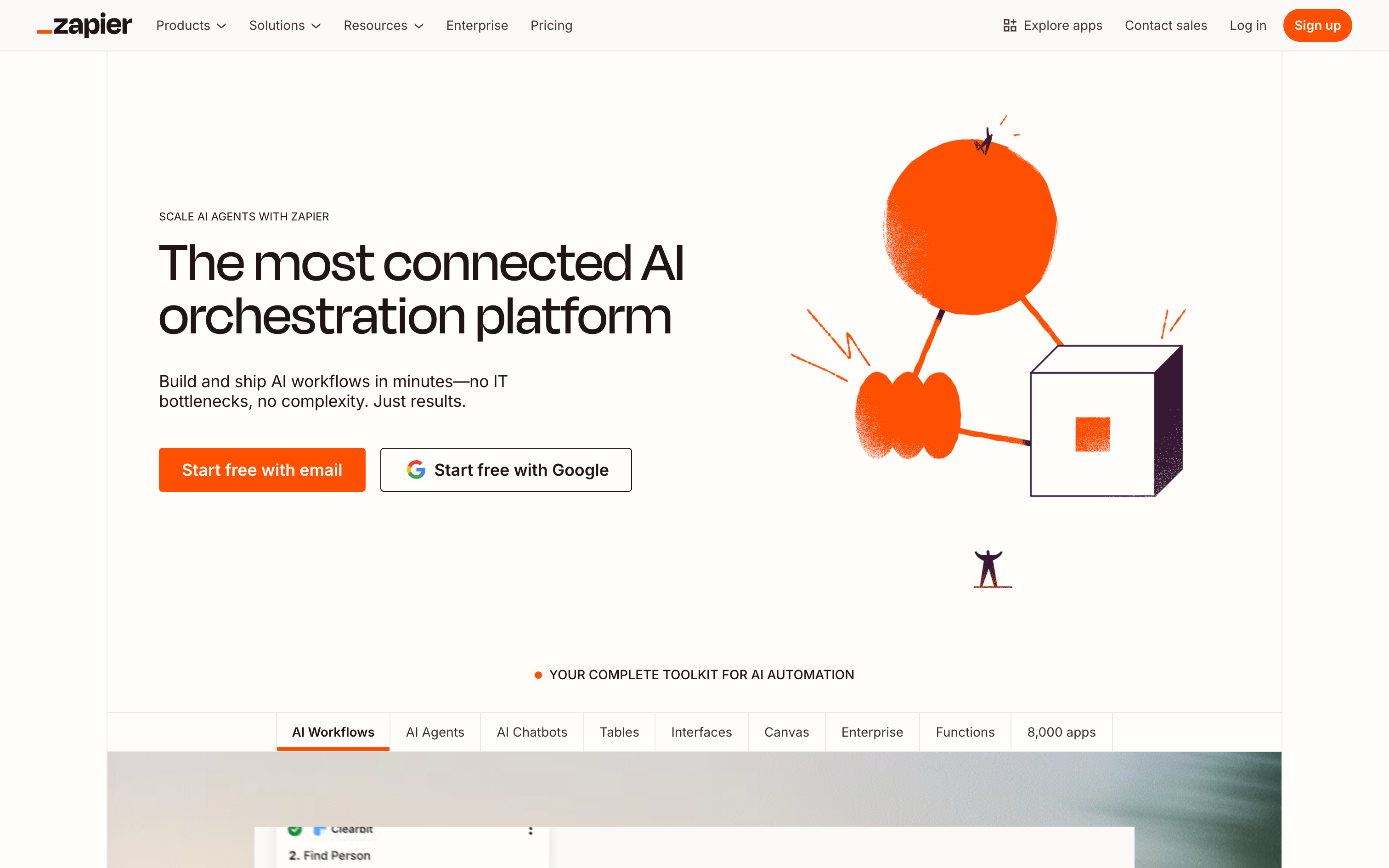
Zapier is the most widely known no-code automation platform, famous for its massive app directory and quick, linear workflows. It’s the easiest way for non-technical users to connect SaaS tools and trigger actions.
Best For
Business users who want fast, lightweight automations without technical setup.
Pros
Largest connector library in the market Approachable UI and easy onboarding Reliable for event-driven, single-purpose tasks
Cons
Limited complex logic, testing, and versioning Costs climb with volume and premium apps Weak fit for AI-native workflows
Pricing
Free tier; paid plans from ~$20/mo.
3. Make
Quick Overview
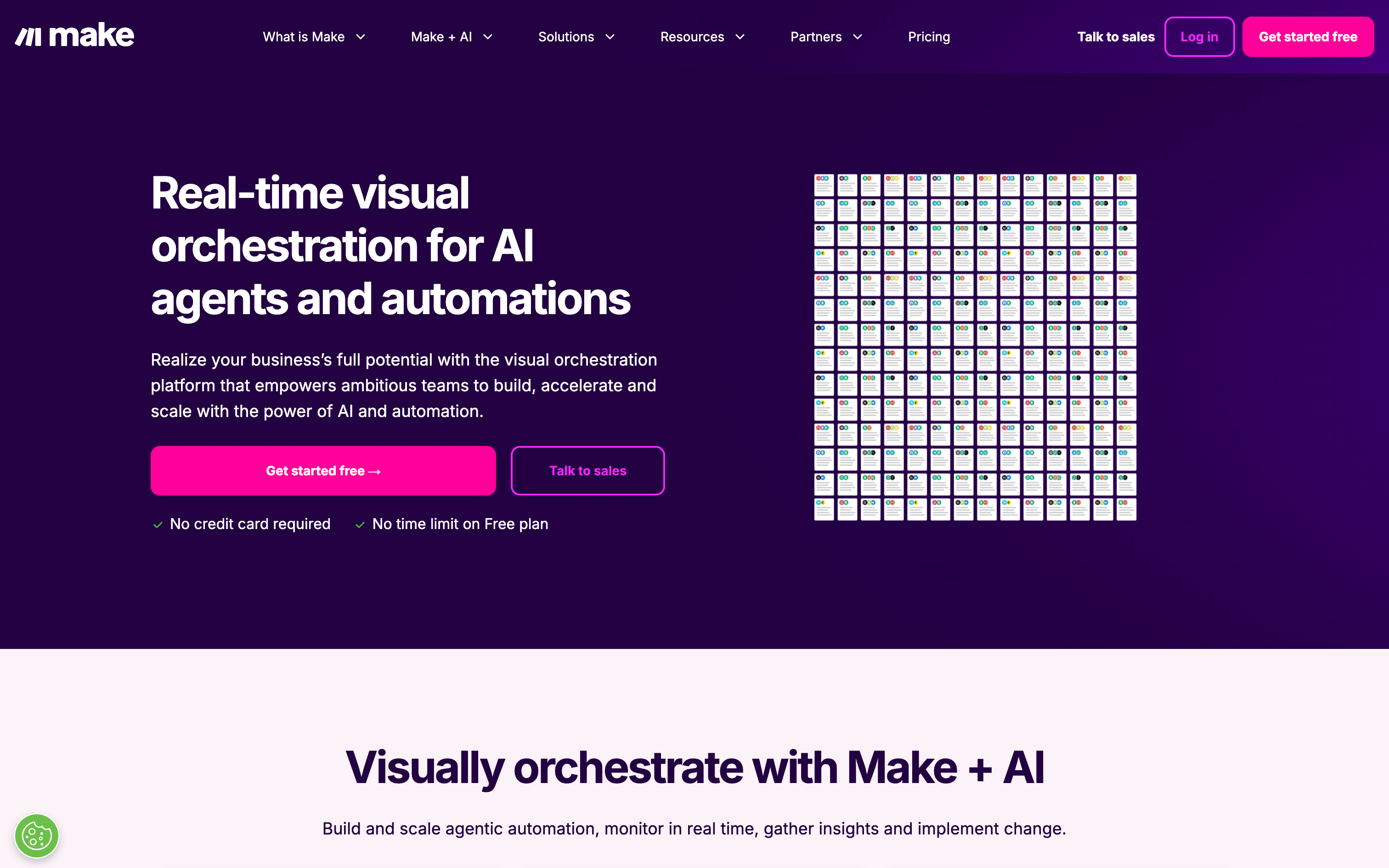
Make offers visual “scenarios” with powerful branching, iterators, and data transformations. It’s ideal for ops-heavy teams that need more control than Zapier but still want a drag-and-drop interface.
Best For
Ops teams that want multi-step logic at scale for low cost.
Pros
Advanced routing & mapping features Economical pricing for high-volume workflows Good error handling & replay
Cons
Steeper learning curve than Zapier UI feels heavy for simple tasks
Pricing
Free tier; paid plans from ~$9/mo.
4. n8n
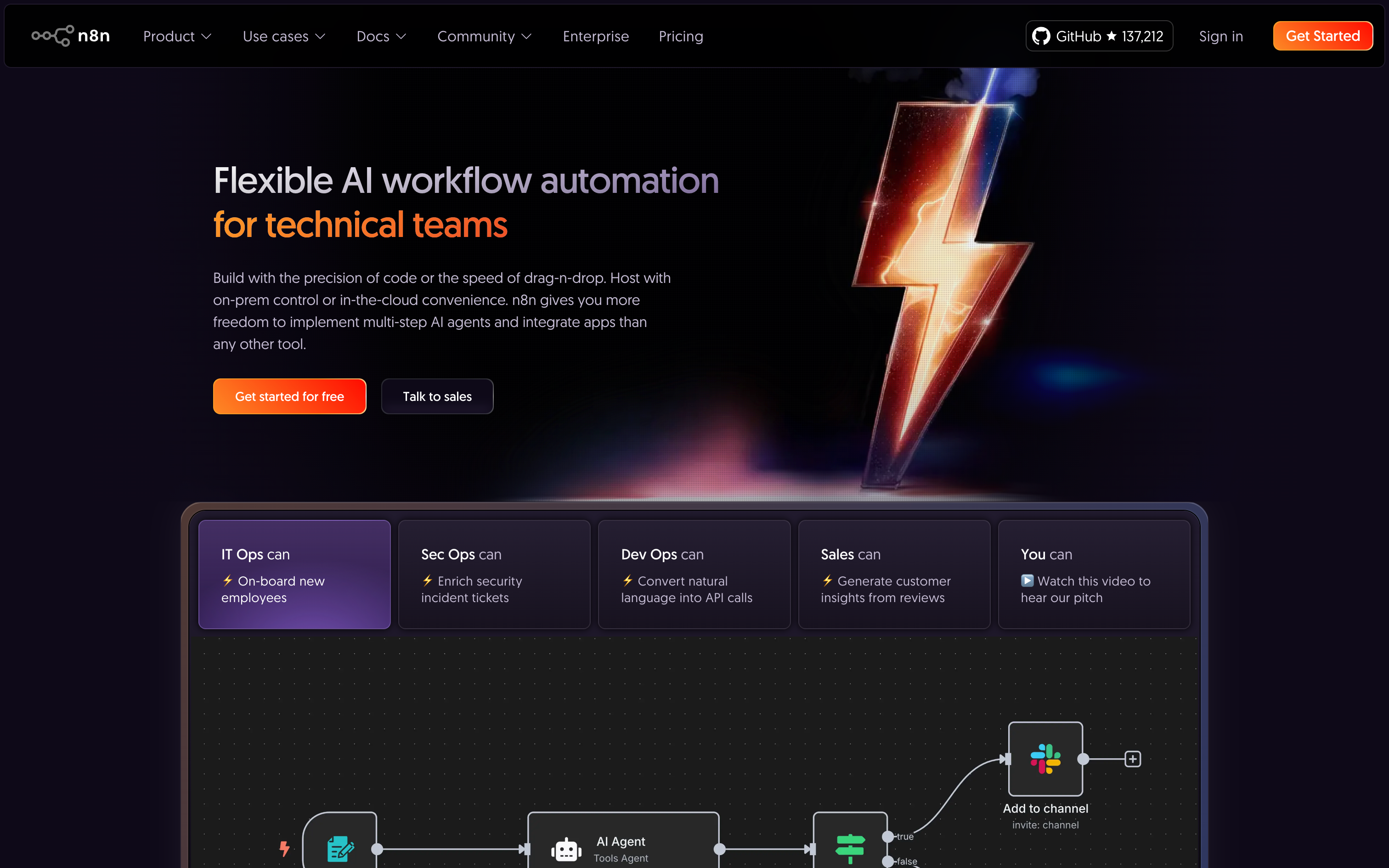
n8n is the leading open-source workflow automation platform, striking a balance between visual no-code building and developer extensibility. It’s loved by technical teams who want to self-host, customize, and control their infrastructure.
Best For
Engineering-focused teams that want OSS flexibility without vendor lock-in.
Pros
300+ integrations and fast-growing OSS ecosystem Fully self-hostable (Docker/Kubernetes) Extensible with custom nodes, APIs, and scripting Active open-source community
Cons
Learning curve steeper than Zapier/Make Governance and observability require DIY setup Less friendly for non-technical users
Pricing
Free open-source; cloud plans start around $20/mo.
5. Pipedream
Quick Overview
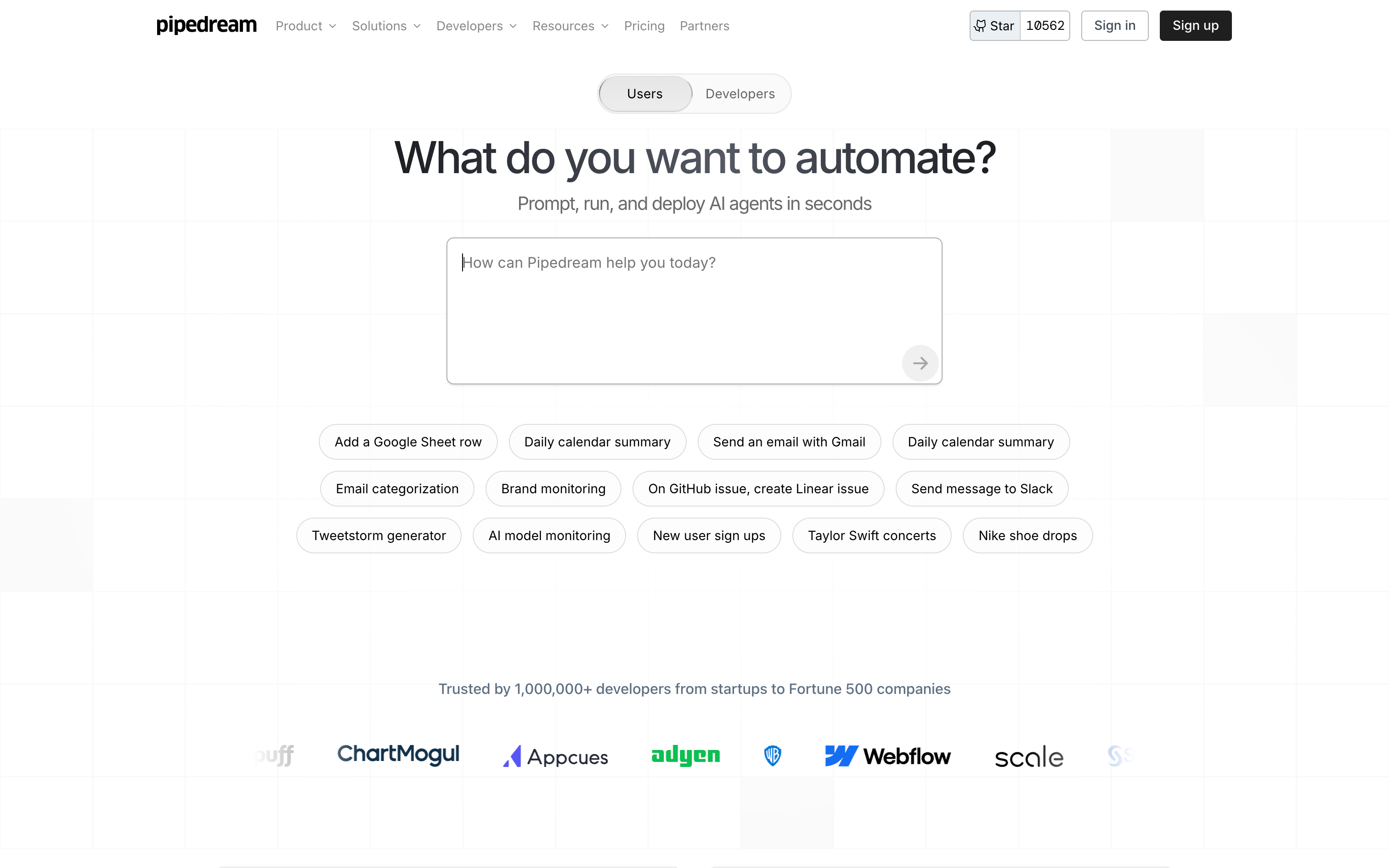
Pipedream is a code-first platform where devs can write JS/TS/Python snippets with built-in connectors and event sources. It’s a developer’s playground for automation.
Best For
Dev teams that want serverless control with strong observability.
Pros
First-class coding experience with NPM support Real-time event sources and webhooks Strong logs and secret management
Cons
Not friendly for non-technical users Smaller app library than Zapier/Make
Pricing
Free tier; paid from ~$29/mo.
6. Pabbly Connect
Quick Overview
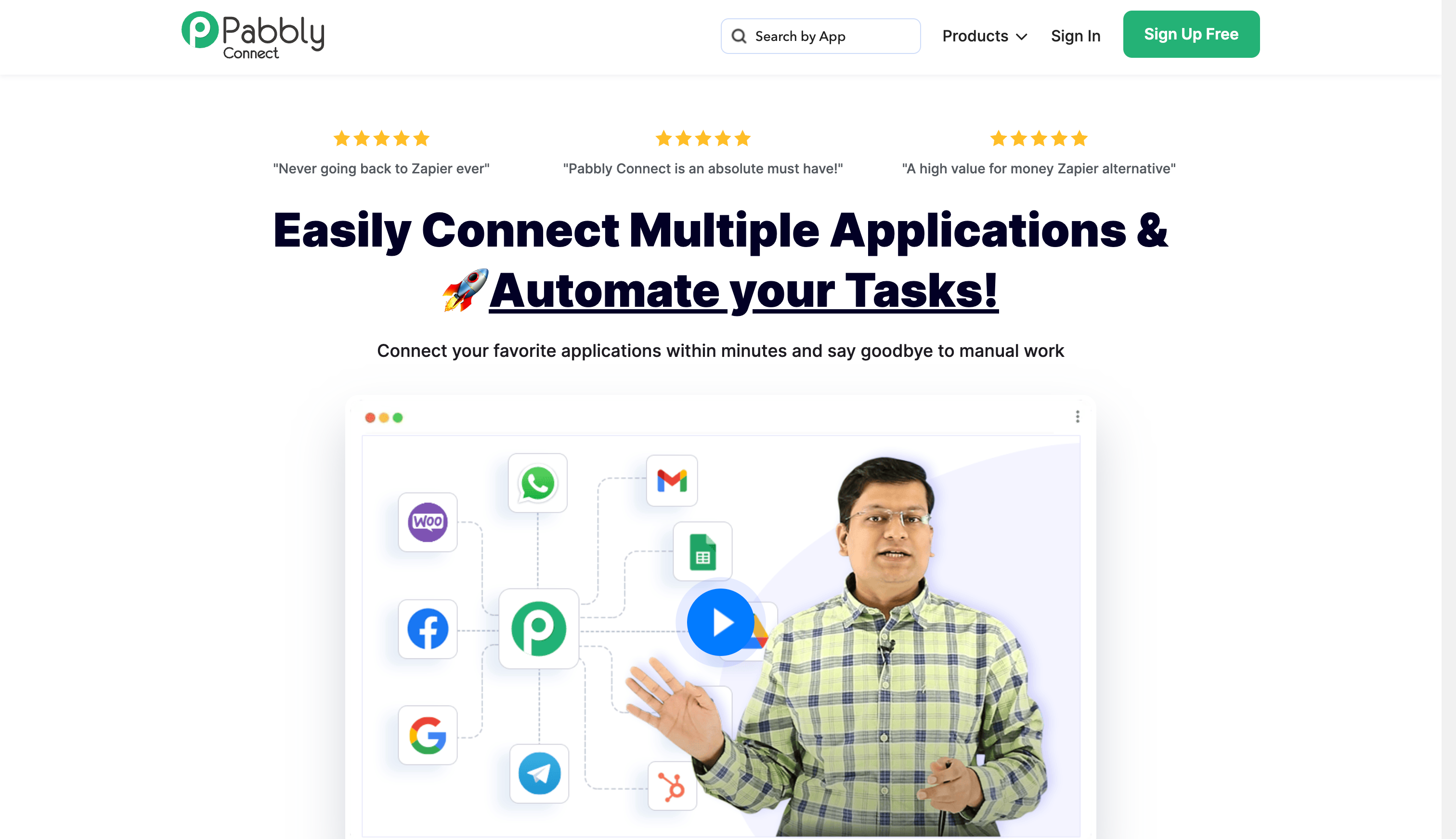
Pabbly Connect is the cost-effective Zapier alternative, offering flat-rate pricing and generous task limits.
Best For
SMBs who want automation at scale without high costs.
Pros
Flat-rate pricing model 1,000+ app connectors Easy-to-use builder with conditionals
Cons
Smaller ecosystem vs Zapier/Make Fewer advanced testing/governance features
Pricing
Free tier; paid plans from ~$14–16/mo.
7. StackAI
Quick Overview
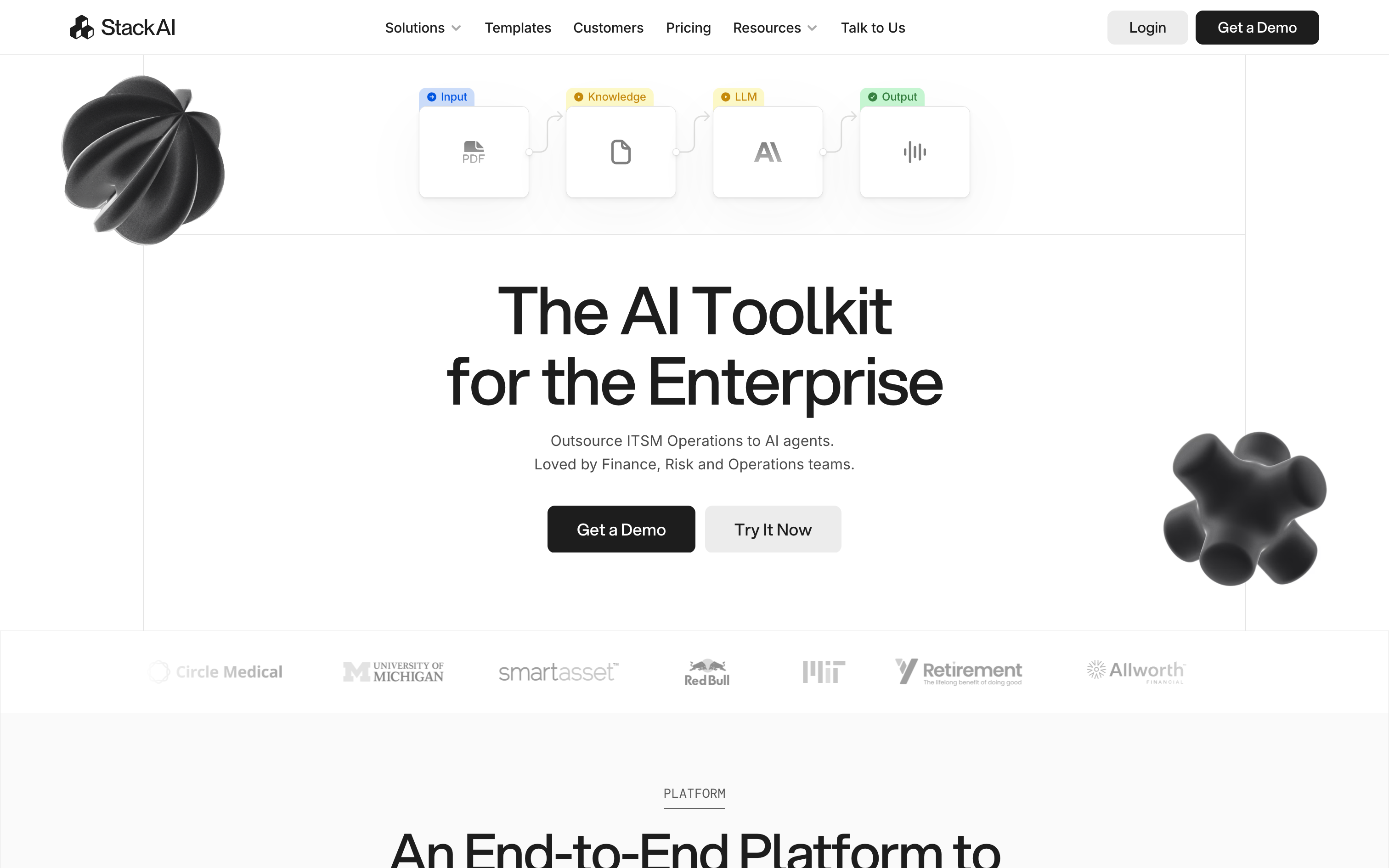
StackAI focuses on AI-native orchestration, with routing, knowledge ingestion, and enterprise deployment options (cloud, hybrid, on-prem).
Best For
Organizations with compliance-heavy AI needs.
Pros
AI routing + KB ingestion Multi-deploy options Strong compliance & security features
Cons
Overkill for SMB automations Enterprise pricing only
Pricing
Free tier available; enterprise contracts for production.
8. Microsoft Power Automate
Quick Overview
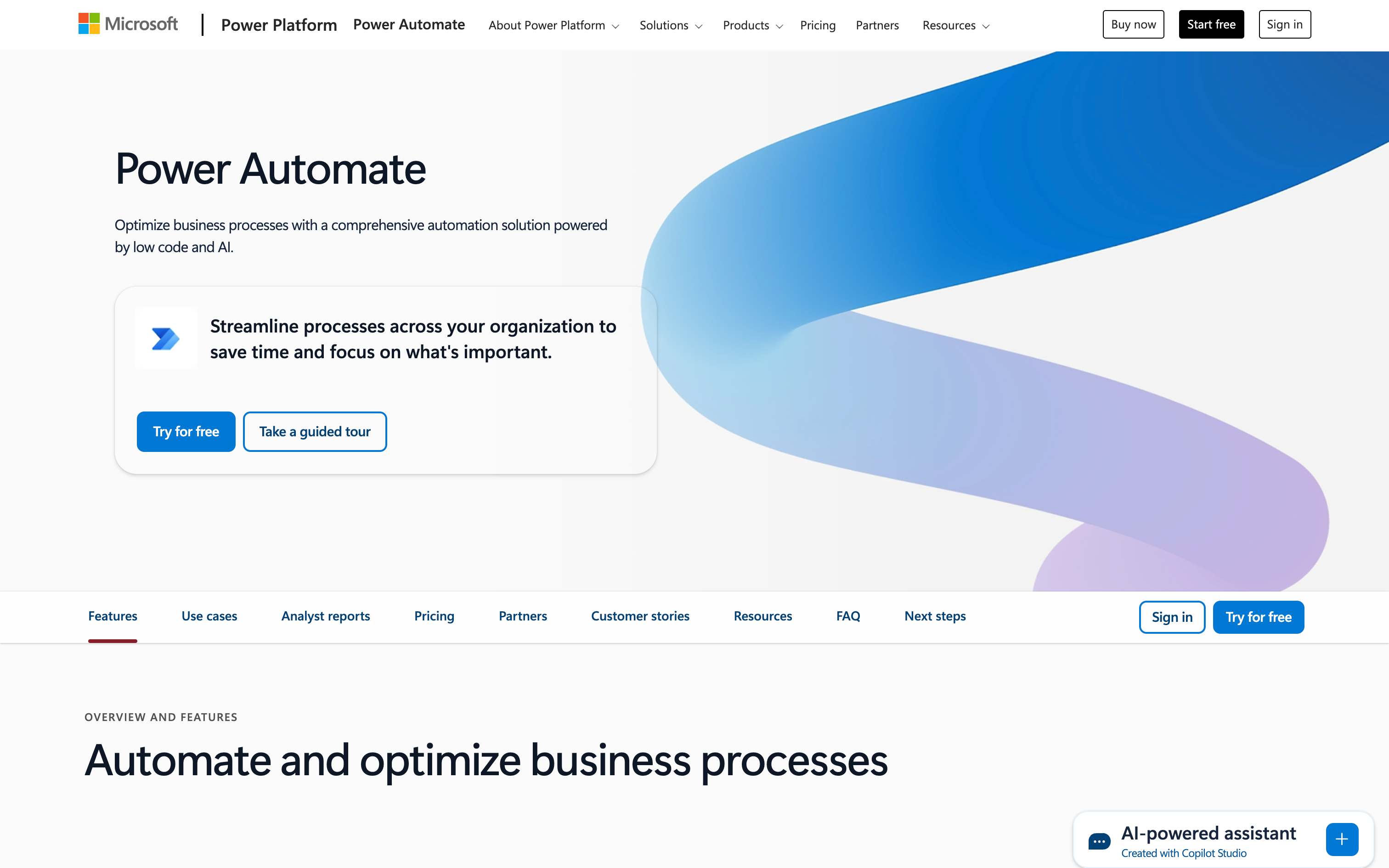
Part of the Microsoft 365 suite, Power Automate combines SaaS workflows with RPA for desktop/legacy systems.
Best For
Microsoft-standardized enterprises that need approvals, governance, and RPA.
Pros
Deep integration with M365/Dynamics Built-in governance & approvals Desktop RPA support
Cons
Licensing is complex Non-Microsoft connectors can lag
Pricing
Free tier; paid plans from ~$15/user/mo.
9. Workato
Quick Overview
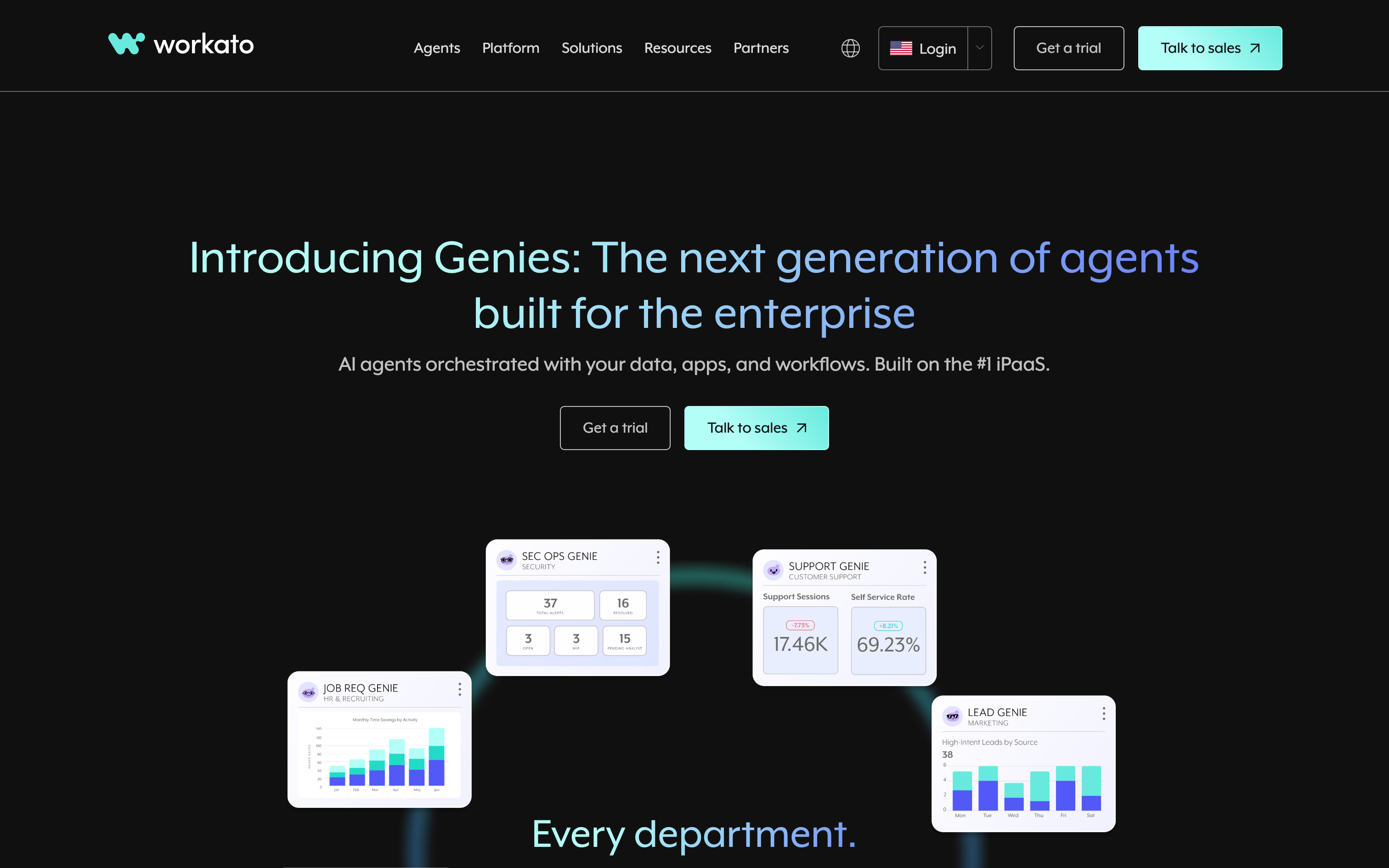
Workato is a top enterprise connector tool, with role-based access, environments, and lifecycle management.
Best For
Enterprises needing mission-critical automation with SLAs.
Pros
Enterprise-grade governance + security Extensive connector catalog Testing, monitoring, and lifecycle management
Cons
Premium pricing Overkill for SMBs
Pricing
Enterprise pricing only; contact sales.
10) Tray.ai
Quick Overview
Tray.ai is a low-code automation platform with a strong developer angle that's great at handling APIs, JSON, and data-heavy use cases.
Best For
Mid-market/enterprise teams with API-heavy workflows.
Pros
Powerful data transforms Good debugging/logging tools Collaboration controls
Cons
Higher costs Steep learning curve for non-technical users
Pricing
Enterprise pricing only.
11) Celigo
Quick Overview
Celigo is an connector tool known for ERP/eCommerce integrations, prebuilt flows for NetSuite, marketplaces, and 3PLs.
Best For
RevOps, FinOps, and eCom teams using ERP-heavy stacks .
Pros
Prebuilt ERP/eCom accelerators Templates & error handling Deep NetSuite expertise
Cons
Best for ERP-heavy orgs Pricing skews enterprise
Pricing
Free trial; enterprise contracts.
12) SnapLogic
Quick Overview
SnapLogic is an enterprise integration platform spanning apps, APIs, and data pipelines with AI-assisted builder features.
Best For
Large enterprises running app and data integrations at scale.
Pros
Strong connector coverage Governance & lineage tools AI accelerators for pipeline building
Cons
Enterprise complexity Expensive for smaller orgs
Pricing
Enterprise pricing only.
AI workflow builder comparison table
Tool Best For Key strengths Where it falls short Starting price Deployment Vellum AI Cross-functional, production-grade AI workflows Visual builder and SDK, native evals and versioning, tracing and monitoring Overkill for very simple tasks; fewer commodity connectors than broad iPaaS Free; contact sales Cloud, VPC, on-prem Zapier Quick, non-technical SaaS automations Huge connector library, simple UI, fast to first value Limited complex logic and testing; costs can rise with volume; not AI-native ~$20/mo Cloud Make (Integromat) Ops teams with complex, high-volume logic Advanced routing and mapping, iterators, error replay, cost-efficient Steeper learning curve; heavy UI for simple flows ~$9/mo (operations-based) Cloud n8n Technical teams wanting open-source, self-hosted control Self-hostable, custom nodes, active OSS community, 300+ integrations DIY governance and observability; steeper learning curve for non-technical users OSS free; cloud from ~$20/mo Self-host, Cloud Pipedream Developer-heavy teams that want code-level control JS/TS/Python with NPM, real-time events, solid logs and secrets Not friendly for non-technical users; smaller library than no-code peers Free; paid from ~$29/mo Cloud Pabbly Connect SMBs needing budget-friendly automation at scale Flat-leaning pricing, 1,000+ connectors, simple builder Smaller ecosystem; fewer advanced testing and governance features ~$14–16/mo Cloud StackAI Enterprise orgs with compliance-heavy AI workloads AI routing, knowledge ingestion, multi-deploy options, enterprise controls Overkill for SMB automations; pricing skews enterprise Free tier; enterprise contracts Cloud, Hybrid, On-prem Microsoft Power Automate Microsoft-centric orgs that need governance and RPA Deep M365 and Dynamics integration, approvals, desktop RPA Licensing complexity; non-Microsoft connectors can lag From ~$15/user/mo Cloud, Desktop RPA Workato Large enterprises standardizing under strict governance RBAC and environments, lifecycle management, strong catalog and SDK Premium pricing; heavy for simple use cases Enterprise; contact sales Cloud Tray.ai Mid-market and enterprise API-heavy workflows Powerful transforms, good debugging, team controls Higher cost; learning curve for non-technical users Enterprise; contact sales Cloud Celigo ERP and eCommerce stacks (especially NetSuite) Prebuilt ERP and commerce accelerators, templates, error handling Best if you are on supported ERPs; pricing leans enterprise Free trial; enterprise pricing Cloud SnapLogic Large orgs orchestrating apps and data pipelines Broad connectors, governance and lineage, AI-assisted building Enterprise complexity and cost; heavy for small teams Enterprise; contact sales Cloud
Why choose Vellum
Vellum is the AI-first workflow platform that lets non-technical teammates and engineers co-build reliable, testable, observable AI workflows that scale. If you care about moving from pilots to production without slowing collaboration, Vellum is the right choice.
What makes Vellum different
Built-in evaluations and versioning: Define eval sets, easily compare model and prompt variants, promote only what passes, and roll back safely. End-to-end observability: Trace every run at the node and workflow level, track performance over time, and spot regressions before they hit users. Collaboration environment: Shared canvas with comments, role-based reviews and approvals, change history, and human-in-the-loop steps so PMs, SMEs, and engineers can co-build safely. Developer depth when you need it: TypeScript/Python SDK, custom nodes, exportable code, and CI hooks to fit your existing tooling. Governance ready: RBAC, environments, audit logs, and secrets management to satisfy security and compliance. Flexible deployment: Run in cloud, VPC, or on-prem so data stays where it should. AI-native primitives: Retrieval, semantic routing, tool use, and agent orchestration are first-class.
When Vellum is the best fit
Your team includes both technical and non-technical people who need to build and manage workflows together without breaking reliability. You plan to build assistants or agents that use retrieval, run across multiple steps, and need to be tracked and improved as they scale. You want changes to be backed by testing and monitoring, so every release is based on data instead of guesswork.
How Vellum compares (at a glance)
vs Zapier / Pabbly / Make: Those excel at quick SaaS automations. Vellum excels at AI-native orchestration with evals, versioning, and observability for production use. vs n8n / Pipedream: Great for technical DIY and code-first teams. Vellum adds a shared visual environment + governance, so non-technical builders can contribute and engineering can harden. vs Microsoft Power Automate / Workato / Tray.ai: Strong enterprise connector options. Vellum focuses on AI workflows specifically, giving you faster iteration on models, prompts, retrieval, and evaluation while still meeting enterprise controls. vs StackAI: StackAI leans compliance and packaged AI features. Vellum emphasizes speed of adoption + rigorous testing/monitoring, so teams learn and ship faster.
What you can ship in the first 30 days
Week 1: Set up your first assistant or agentic flow using templates; connect knowledge sources; define a small golden set for evals. Week 2: Add semantic routing and tool use; wire human-in-the-loop approvals for sensitive actions; start tracing runs. Week 3: Set up regression tests, CI integration, and multi-environment promotion; add dashboards for stakeholders. Week 4: Expand coverage to a second use case (e.g., support macros → sales research), reuse components, and monitor cumulative impact.
Proof you can show stakeholders
Before/after evals: Demonstrate factuality and latency improvements with side-by-side runs. Trace-driven reviews: Walk leaders through exactly what the workflow did and why. Promotion history: Show that changes were tested and approved—not pushed blind. Operational metrics: Volume handled, error rates, and time-to-resolution trends.
Ready to build AI workflows on Vellum?
Start free today and see how Vellum’s scalable infrastructure, built-in evaluations, and collaboration tools help you turn AI workflows into production-grade systems.
Get started with Vellum free →
FAQs
1) What is an AI workflow builder?
An AI workflow builder lets you design, run, and monitor multi-step automations that combine large language models, agents, data operations, and business logic. Instead of stitching together scripts, teams can use a visual or low-code interface to chain steps like retrieval, semantic routing, approvals, and system updates. The strongest platforms also include evaluations, versioning, and observability, which allow organizations to compare changes, catch regressions, and promote updates with confidence.
2) Why do organizations need one in 2025?
Most AI pilots stall before production because they lack the right infrastructure. MIT found that 95 percent of generative AI pilots fail to scale, while Capgemini reports only two percent of organizations have deployed AI agents at scale today. An AI workflow builder gives companies the shared environment they need to move faster, allowing non-technical teammates to design flows, engineers to harden them, and leaders to monitor results. It effectively closes the gap between experimentation and enterprise adoption.
3) Who should use these tools?
AI workflow builders are useful for any organization that wants to operationalize AI. Startups can use them to test and ship features quickly without building large engineering teams, while scaleups adopt them to introduce governance and monitoring as usage grows. Enterprises benefit most when they need role-based access, audit logs, compliance, and flexible deployment options. If a company is building assistants, retrieval systems, or AI-powered business processes, a workflow builder accelerates both delivery and reliability.
4) How do I choose the right one?
The best way to choose is to evaluate how each tool aligns with your team and your goals. A strong workflow builder should shorten the time to value, fit both non-technical builders and engineers, include AI-native features like retrieval and routing, provide testing and versioning, and offer observability and governance. Vendor stability, pricing at scale, and quality of support also matter. Rather than relying on spec sheets, teams should run a short pilot with a real use case and judge the results based on evidence.
5) How quickly can teams see results?
Results can appear quickly if you start with simple templates, often within days. For production-grade workflows that include retrieval, routing, and testing, teams typically see value within two to six weeks. The first week is often spent standing up a flow, the next two on adding routing and monitoring, and the remaining time on regression testing and dashboards. Once the foundation is in place, iteration speeds up dramatically because teams reuse components and promote tested versions rather than starting from scratch.
6) How are AI workflow platforms different from RPA or connector tools (iPaaS)?
Traditional connector tools such as Zapier, Make, and Workato are built to connect SaaS applications and handle data transfer, while robotic process automation specializes in automating legacy desktop tasks. AI workflow builders are different because they introduce semantic decisioning, including retrieval, language model calls, and agent orchestration, which makes workflows adaptive rather than rigid. Mature organizations often run all three layers in parallel: iPaaS for app integrations, RPA for legacy systems, and AI workflow builders for assistants and decision flows.
7) What should I ask vendors during evaluation?
Good vendor conversations go beyond demos. Companies should ask how evaluations are run and compared, whether traces are available for every run, what role-based and environment controls are supported, and whether workflows can be exported or self-hosted to avoid lock-in. They should also ask about scaling limits, how quickly connectors and model updates are released, and what service levels the vendor can guarantee. The best vendors will provide concrete proof and not just assurances.
8) Is Vellum better than Zapier, Make, or n8n?
Each platform has its place. Zapier is best for lightweight SaaS automations, Make is strong for operations-heavy routing at scale, and n8n is attractive for technical teams that want open-source self-hosting. Vellum is different because it is built for AI-native production. It includes evaluations, versioning, observability, and a collaborative environment where non-technical teammates and engineers can co-build safely. For organizations planning retrieval-augmented assistants, multi-step agents, or complex routing, Vellum is the stronger fit.
9) How does Vellum compare to enterprise players like Workato or Power Automate?
Workato and Power Automate excel at governance for broad enterprise workflows, particularly for app-to-app integration and compliance-heavy tasks. Vellum matches that governance rigor but is specifically focused on AI workflows. That means it gives teams faster iteration on models, prompts, retrieval, and evaluations while still supporting enterprise needs like role-based controls, audit logs, and environment separation. It is not a general integration hub but an AI-native production platform.
10) What’s the risk of waiting?
The main risk is not cost but lost learning cycles. Early adopters are already handing off repetitive processes to AI, gaining time, and reinvesting those resources into more complex workflows. By waiting, organizations not only defer potential savings but also fall behind in building the internal muscle required to test, monitor, and improve AI systems. The sooner teams start, the faster they compound learning and value.
11) What are the best alternatives if we don’t pick Vellum?
There are several alternatives depending on needs. Zapier is useful for quick and simple connections, Make for low-cost multi-step logic, n8n for open-source extensibility, Pipedream for developer-first serverless automation, StackAI for AI workflows under strict compliance, and Workato or Power Automate for enterprise governance. These are all strong tools in their own ways, but if the priority is running AI workflows with built-in evaluations, versioning, observability, and a org wide collaboration environment, Vellum remains the best option.
Extra Resources
2025 Guide to AI Workflows → Understanding agentic behavior in production → How the best teams ship AI solutions → How Drata built an enterprise-grade AI solution → How Revamp Reliably Runs 15M+ LLM Executions →
Citations
[1] MIT NANDA. (2025). State of AI in Business 2025 Report .
[2] Capgemini Research Institute. (2025). Rise of agentic AI: How trust is the key to human-AI collaboration .