Quick Overview
This guide covers the top 10 low-code AI workflow automation tools in 2026. It maps out how each tool handles AI orchestration, where they fall short, and who each is actually built for, from fully managed services like Wrk to open-source self-hosted options like n8n. Read it before your next vendor demo.
Top 5 low-code AI workflow automation shortlist
- Vellum: the open-source personal AI assistant that automates individual daily work: research, tasks, scheduling, follow-ups. Runs on your Mac with iOS, web app, voice, email, Telegram, and Slack surfaces that share one memory.
- Wrk: fully managed AI workflow automation. Wrk's team builds, runs, and maintains business process automations using 2,500+ pre-built bots.
- Zapier: best for non-technical teams wanting fast event-driven SaaS automations with a huge connector catalog and minimal setup.
- Make: best for ops teams running high-volume, multi-branch workflows where visual debugging and deterministic routing matter.
- n8n: best for engineering-forward teams needing open-source, self-hosted automation with full control over node logic and infrastructure.
Why I Wrote This
I’ve spent the last year inside this category in an unusual way, evaluating tools and building one. What kept surfacing in every conversation was the same split: teams using Zapier or Make for predictable SaaS tasks, and then struggling to figure out what to do with the messier, judgment-heavy work that AI should also be handling. The tools that exist for that middle layer are harder to evaluate. This guide is the honest breakdown I wish I’d had.
What is an AI workflow automation?
An AI workflow automation is a single or multi-step process that uses AI to make decisions and move data between apps without manual intervention. The AI component is what separates it from traditional iPaaS: rather than just routing data based on conditions, these systems classify inputs, generate outputs, and route based on semantic meaning. The strongest setups include testing and versioning so changes to prompts or models can be measured before they go live.
What are low-code AI workflow automation tools?
Low-code AI workflow automation tools are visual builders that let teams orchestrate SaaS actions, data steps, and AI models without heavy coding. They bridge non-technical builders and engineers, the PM can sketch the logic, the engineer can extend it with SDKs or custom nodes. The best platforms keep both sides productive without requiring handoffs for every change.
Why use low-code AI workflow automation tools?
Atlassian’s State of Teams Report 2026 found that 46% of product teams cite lack of integration with existing tools as their biggest blocker to shipping AI features faster. [1] Low-code AI workflow tools directly address that gap, they compress the distance between “we should automate that” and “it’s live and running.”
Signs your team should start evaluating these tools:
Repeated last-mile tasks, enrichment, summarization, triage, and classification, are being done manually across multiple teams. Cross-functional processes that require data from three or more apps with a human decision in the middle. Any workflow where the same prompt is being copy-pasted into ChatGPT more than once a day.
What low-code AI workflow automation unlocks internally:
Faster experimentation with guardrails: non-technical teammates build, engineers harden and extend. Institutionalized learning: prompt and model changes are versioned, evaluated, and promoted safely. Reusable components: common patterns become shared building blocks rather than one-off scripts.
Who needs low-code AI workflow automation tools?
MIT NANDA’s State of AI in Business 2025 found that only 5% of enterprise-grade AI pilots make it to production, the primary bottleneck is the gap between a working prototype and a maintainable, observable production system. [2] Low-code AI workflow platforms are built to close that gap.
The orgs that benefit most:
Startups: PMs can prototype AI automations same-day without a dedicated ML engineer. Scaleups: multiple teams running parallel automations need shared governance and observability before something breaks in production. Enterprises: compliance, audit trails, and deployment flexibility (VPC, on-prem) are non-negotiable, only a subset of tools in this list clear that bar.
What makes an ideal AI workflow automation tool?
The best tools help you run AI in production with confidence beyond the demo. Based on how teams succeed in this space, these are the qualities that actually matter:
Ease of use: a clean visual builder so non-technical teammates can sketch and adjust workflows. Developer depth: TypeScript/Python SDKs, custom nodes, and CI/CD hooks so engineers can harden and extend. AI-native primitives: retrieval, tool use, semantic routing, and human-in-the-loop as first-class blocks. Testing and evals: run golden-set checks on prompt or model changes before they hit production. Observability: node-level traces, cost and latency dashboards, and searchable logs. Governance: RBAC, audit logs, and secrets management, required for regulated industries. Scalability: architecture that handles high run volume without per-run cost surprises.
These are non-negotiables when evaluating platforms, especially testing and governance, which are easy to skip in a demo but critical once you’re in production.
Key 2026 Trends in AI Workflow Automation Tools
Three shifts are reshaping this market heading into the second half of 2026:
Built-in evaluations are becoming a purchase criterion, not a differentiator. A year ago, most platforms had no native eval tooling. Now buyers ask “how do I test prompt changes before promoting them?” in the first demo, tools without a clear answer are losing deals. Managed automation services are gaining ground alongside self-serve builders: Wrk’s done-for-you model reflects real demand from ops teams with budget but no engineering bandwidth to configure and maintain automations themselves. Deployment flexibility is separating enterprise-ready from SMB-only, VPC and on-prem options are now a hard requirement for regulated industries, narrowing the shortlist significantly.
How to evaluate AI workflow automation tools?
Use this framework during demos and short pilots. Score each item 1-5 and capture notes so you have a consistent record for the final decision:
| Criteria | Weight | What to test |
|---|---|---|
| First automation time | 15% | Can a non-technical person build and run their first automation in under 30 minutes? |
| AI-native blocks | 20% | Retrieval, semantic routing, tool use, and human-in-the-loop as native features? |
| Evals + versioning | 20% | Test prompt changes side-by-side and promote safely? |
| Observability | 15% | Node-level traces, cost metrics, and logs per run? |
| Governance + security | 15% | RBAC, audit logs, secrets management, SOC 2? |
| Deployment flexibility | 15% | VPC or on-prem option, or cloud-only? |
How we chose the top 10 low-code AI workflow automation tools
We evaluated tools based on the factors that matter most when running AI in production, not which demo looked cleanest, but which platforms teams could actually maintain and improve over time.
AI-native orchestration depth: retrieval, tool use, semantic routing, agents, and human-in-the-loop as first-class blocks. Testing and evaluations: golden-set checks and prompt/model change comparison before going live. Observability: node-level traces, cost and latency dashboards, searchable logs. Governance: RBAC, audit logs, secrets management, deployment options for regulated industries. Extensibility: SDKs, custom nodes, and CI/CD hooks. Integration breadth: connector catalog and API flexibility. Deployment flexibility: cloud, VPC, and on-prem.
Common tradeoffs to expect:
Easy vs. deep: simple UIs are fast to learn but hit ceilings on complex flows. All-in-one vs. AI-first: broad connector catalogs often come with shallow AI primitives. Cloud vs. self-host: cloud is fastest to start; self-host is required when data can’t leave your environment. Managed vs. self-serve: services like Wrk eliminate setup burden but reduce iteration speed.
The Top 10 Best Low-Code AI Workflow Automation Tools in 2026
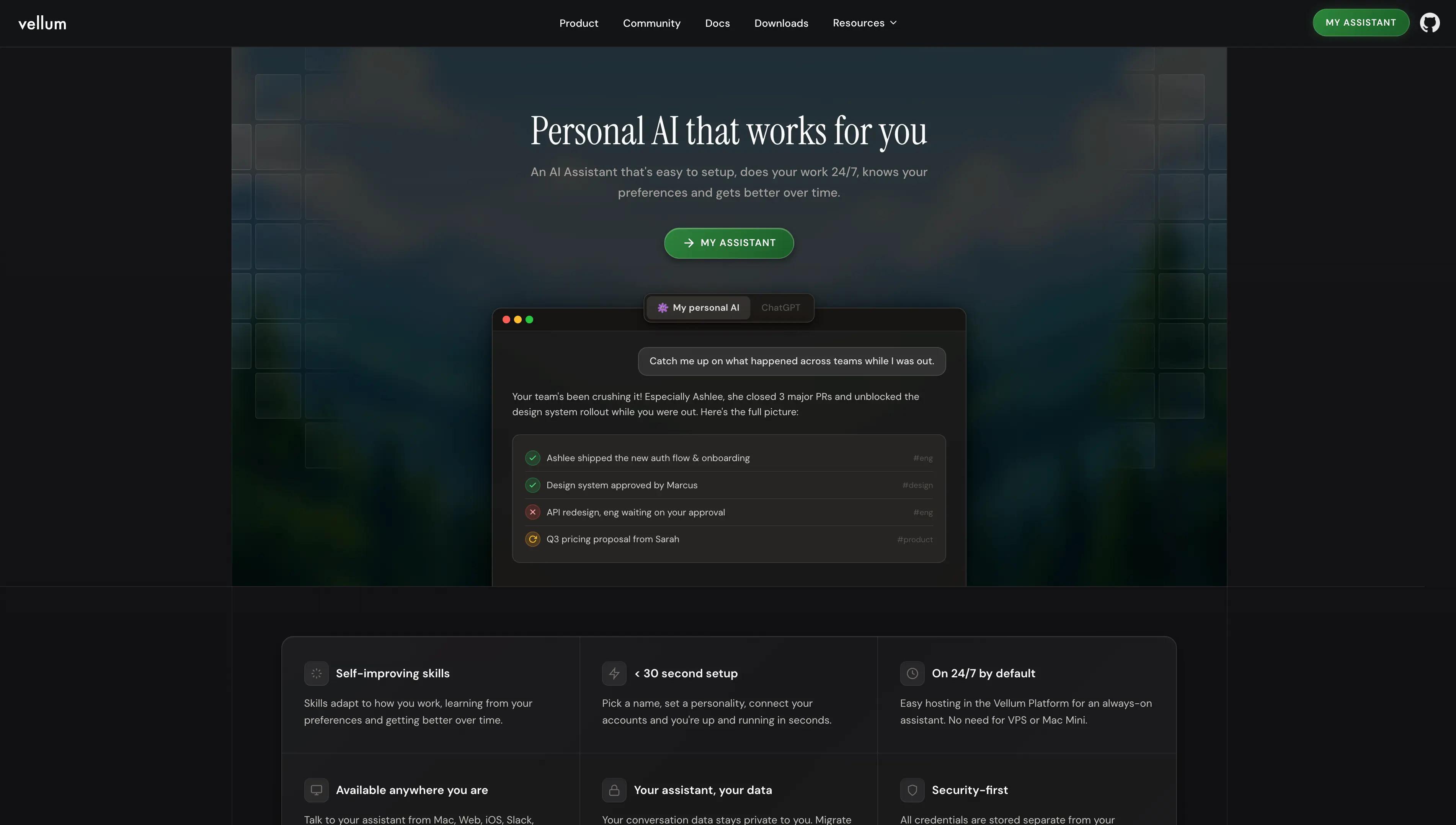
Vellum is an open-source personal AI assistant built for individuals who want AI that actually belongs to them. Vellum runs as a native Mac app on your machine or in Vellum Cloud, with iOS, web app, voice, email, Telegram, and Slack surfaces that share one memory. You interact through natural conversation across all of them, and Vellum handles the work directly rather than asking you to design workflows on a canvas. Vellum never has access to your data on any deployment path.
Best For
Knowledge workers, founders, and creators who want a personal AI that handles daily operational work, research, tasks, scheduling, coordination, follow-ups, without configuring workflows. Also the right call for privacy-conscious users who want local-first architecture and credential isolation.
Pros
Persistent memory engine that builds a real model of you over time, preferences, projects, and context that compound across months. Multi-surface presence across Mac, iOS, web app, voice, email, Telegram, and Slack, same memory and identity everywhere. Open source under MIT license. Skills authored in Python or TypeScript.
Cons
- Brief learning curve as your assistant builds context on you.
Pricing
Free Base plan. Pro from $50/mo with pay-as-you-go credits, configurable compute and storage, and your assistant's own email and subdomain.
2. Wrk
Wrk is a managed AI workflow automation platform combining low-code builders with a done-for-you delivery model. Where other platforms hand teams a canvas and expect them to design, ship, and maintain workflows themselves, Wrk’s team builds the automation on the client’s behalf, usually within 24 hours, then runs and maintains it ongoing.
Best For
Operations and business teams that want AI workflow automation outcomes but don’t have the engineering bandwidth to build and maintain on Zapier, Make, or n8n themselves.
Pros
Fully managed delivery: describe the process, Wrk builds it within 24 hours, then operates and maintains it on the client’s behalf. 2,500+ pre-built bots and connectors covering CRM, ITSM, finance, healthcare, property management, and document-heavy workflows. Hybrid orchestration combining API integrations, vision-driven RPA, AI bots (ChatGPT, Anthropic), OCR, and human-in-the-loop steps inside a single workflow. Consumption-based pricing tied to output delivered, no per-user licensing or seat counts to forecast. SOC 2 Type II, HIPAA, and PIPEDA compliant, defensible choice for regulated buyers.
Cons
Managed model means iteration cadence depends on Wrk’s team rather than the buyer’s internal analyst; some teams prefer the autonomy of self-service builders. Not a fit for engineering-led teams that want SDK access and full custom control over node logic.
Pricing
$1,000 one-time build fee, then consumption-based credits starting at $250/month. Credits roll over and don’t expire.
3. Zapier
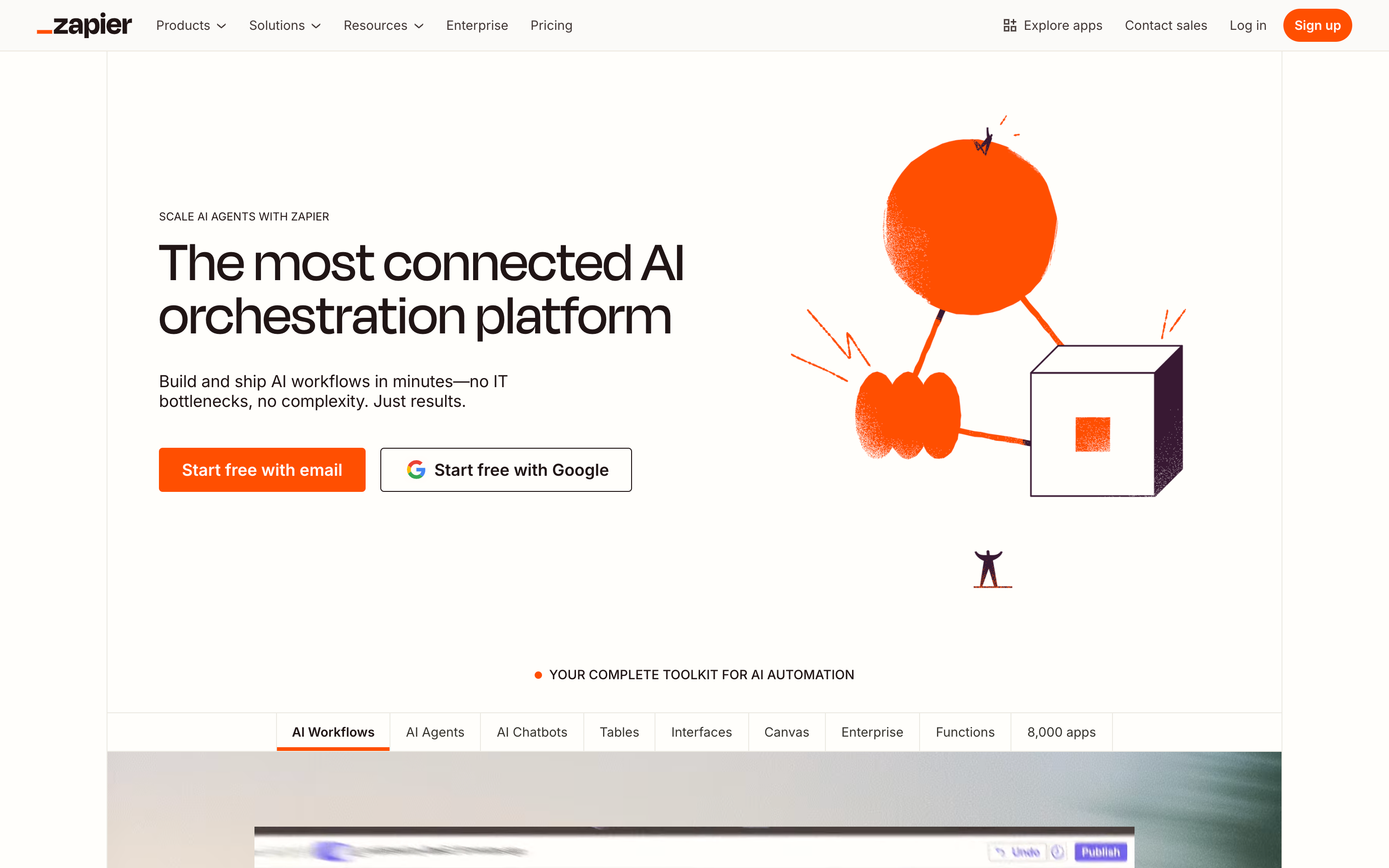
Zapier is the most recognizable no-code automation platform, perfect for quick event-driven workflows across a massive app directory. It now includes basic AI steps and natural language triggers.
Best For
Non-technical teams that want fast, simple SaaS automations with light AI steps.
Pros
Huge connector catalog with easy onboarding and a friendly builder. AI actions (summarize, classify) are simple to plug in to existing zaps. Good reliability for webhook-driven, single-purpose tasks. Strong community templates to accelerate first wins.
Cons
Limited for complex AI orchestration: no native evaluations/versioning for model changes. Costs can climb with multi-step, high-volume automations and premium apps.
Pricing
Free tier; paid from $20/month.
4. Make
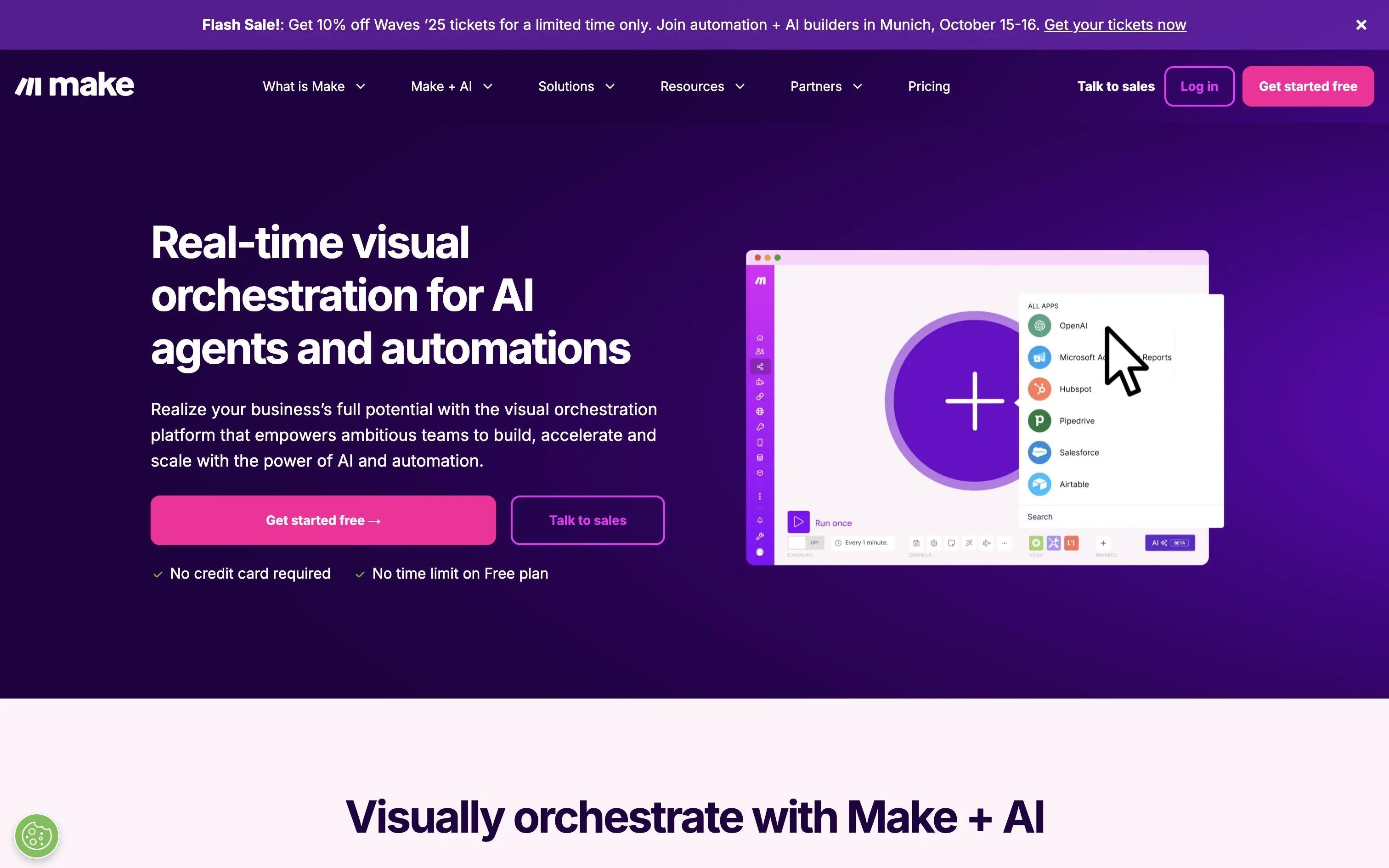
Make excels at visual, multi-branch logic and data transformation at competitive prices. It’s a favorite of ops teams who need more control than Zapier without going full developer mode.
Best For
Ops teams running high-volume, multi-branch workflows where deterministic routing dominates.
Pros
Granular routers, iterators, and mapping with granular data transforms. Economical for high-throughput scenarios. Solid error handling and replay. Visual debugger that makes complex flows understandable.
Cons
The UI can feel heavy for simple tasks and ramps slower than Zapier. AI-specific features are basic; no native eval/versioning for model changes.
Pricing
Free tier; paid plans from $9/month.
5. n8n
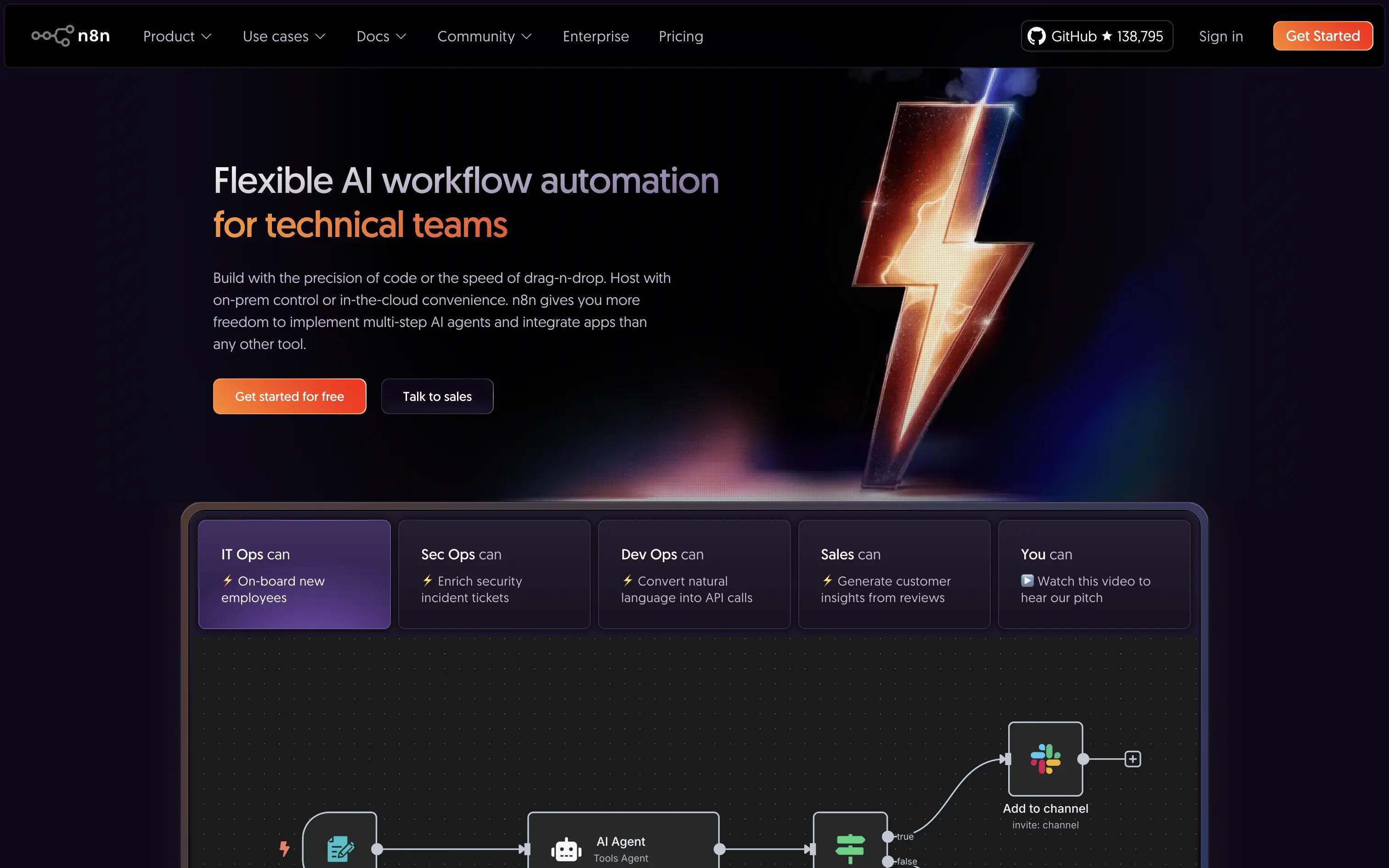
n8n is the leading open-source workflow platform with a node-based editor and fair-code license. It’s self-hostable, extensible, and beloved by technical teams who want control.
Best For
Engineering-forward teams that need open-source, self-hosted, and easily extensible automation.
Pros
300+ integrations with a vibrant open-source ecosystem. Fully self-hostable (Docker/Kubernetes) with flexible deployment. Extensible with custom JavaScript nodes and APIs. Great for scenarios where data cannot leave your environment.
Cons
Governance/observability require more DIY than managed platforms. Less approachable for non-technical users without enablement.
Pricing
Free open-source; cloud plans start around $20/mo.
6. Pipedream
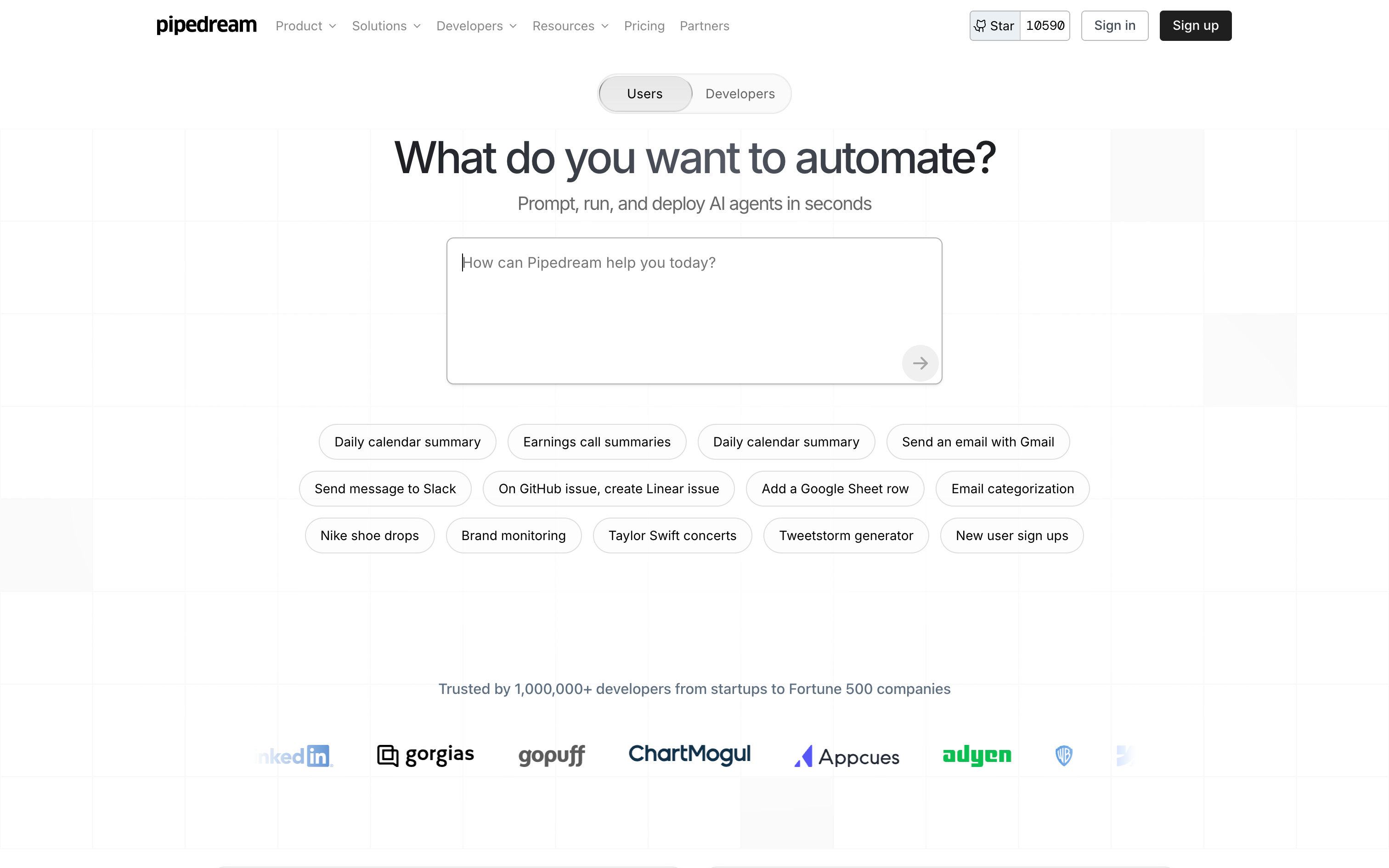
Pipedream is a code-first automation platform built for developers. Write JS/TS/Python with first-class connectors, event sources, and strong logs, no servers to manage.
Best For
Developer teams that prefer a code-first, serverless approach for event-driven automations.
Pros
Native coding experience with NPM support and quick deploys. Excellent for webhooks, streaming events, and API mashups. Strong logging, secret management, and step-by-step introspection. Great when the “automation” requires meaningful code.
Cons
Not ideal for non-technical builders; fewer guardrails for AI evals. Smaller catalog than Zapier/Make for long-tail SaaS.
Pricing
Free tier; paid plans from $29/month.
7. Microsoft Power Automate
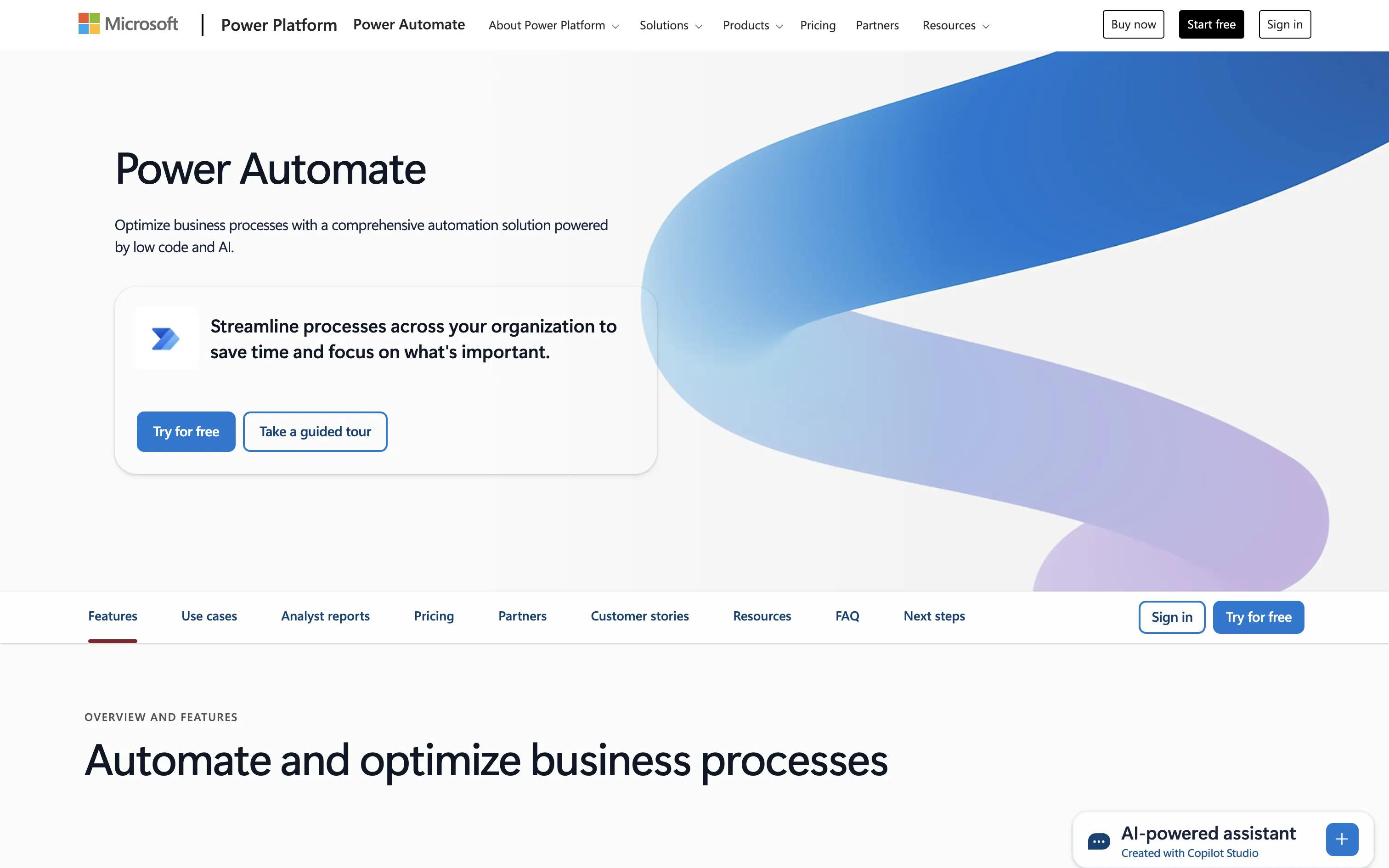
Microsoft Power Automate bridges Microsoft’s cloud ecosystem (M365, Dynamics, Teams) with both cloud workflows and desktop RPA. It’s a natural fit for Microsoft-standardized environments that want governance built-in.
Best For
Microsoft-centric organizations needing approvals, governance, and cloud + desktop RPA.
Pros
Deep integrations with Microsoft apps and Azure services. Built-in governance, connectors, and approval patterns. Hybrid automation: cloud DPA + desktop RPA. AI Builder for forms, classification, and extraction.
Cons
Licensing and SKU selection can be complex. Non-Microsoft connectors sometimes lag in depth.
Pricing
Free trial; paid from $15/month.
8. Workato
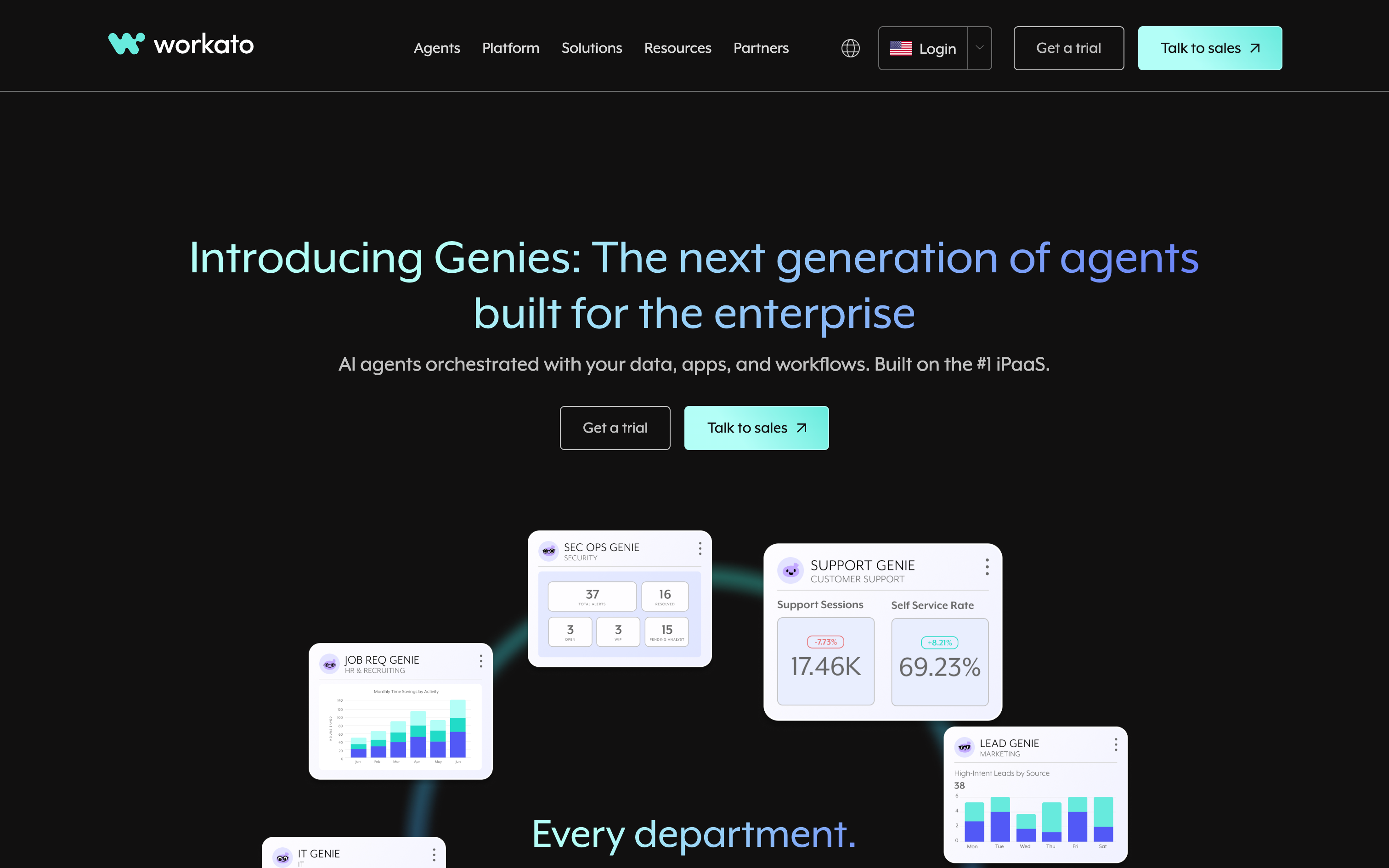
Workato is an enterprise iPaaS with strong governance, lifecycle management, and a large connector catalog. It’s designed for mission-critical integrations and automations across departments.
Best For
Enterprises requiring deep iPaaS governance, environments, SLAs, and a large connector catalog.
Pros
Enterprise-grade governance, RBAC, and environments. 1,000+ connectors and strong lifecycle management. Good monitoring, alerting, and error handling at scale. Recipes and accelerators for common enterprise patterns.
Cons
Premium pricing relative to SMB-friendly tools. AI-native features are present but not the central focus.
Pricing
Enterprise pricing only.
9. Tray.ai
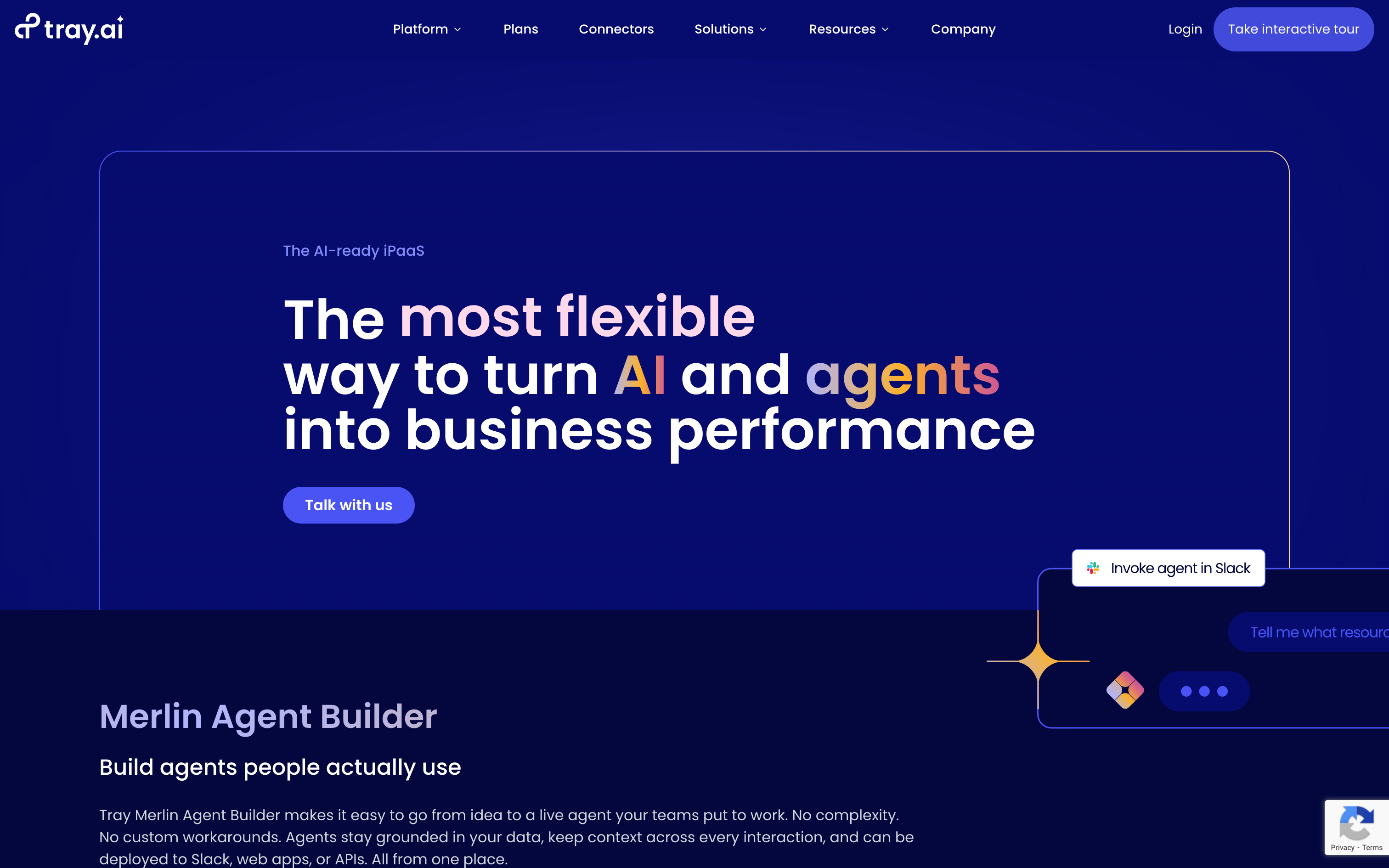
Tray.ai is a low-code platform with a strong developer angle. It handles APIs, JSON, retries, and data-heavy workflows with solid debug tooling and collaboration controls.
Best For
Mid-market/enterprise teams building API-heavy, data-rich workflows that need strong debugging controls.
Pros
Strong data handling for JSON/XML and complex mappings. Good logging, debugging, and error recovery. Collaboration features for multi-team development. Flexible enough to straddle ops and developer use cases.
Cons
Steeper learning curve for non-technical teams. Pricing geared to mid-market/enterprise.
Pricing
Enterprise pricing only.
10. UiPath
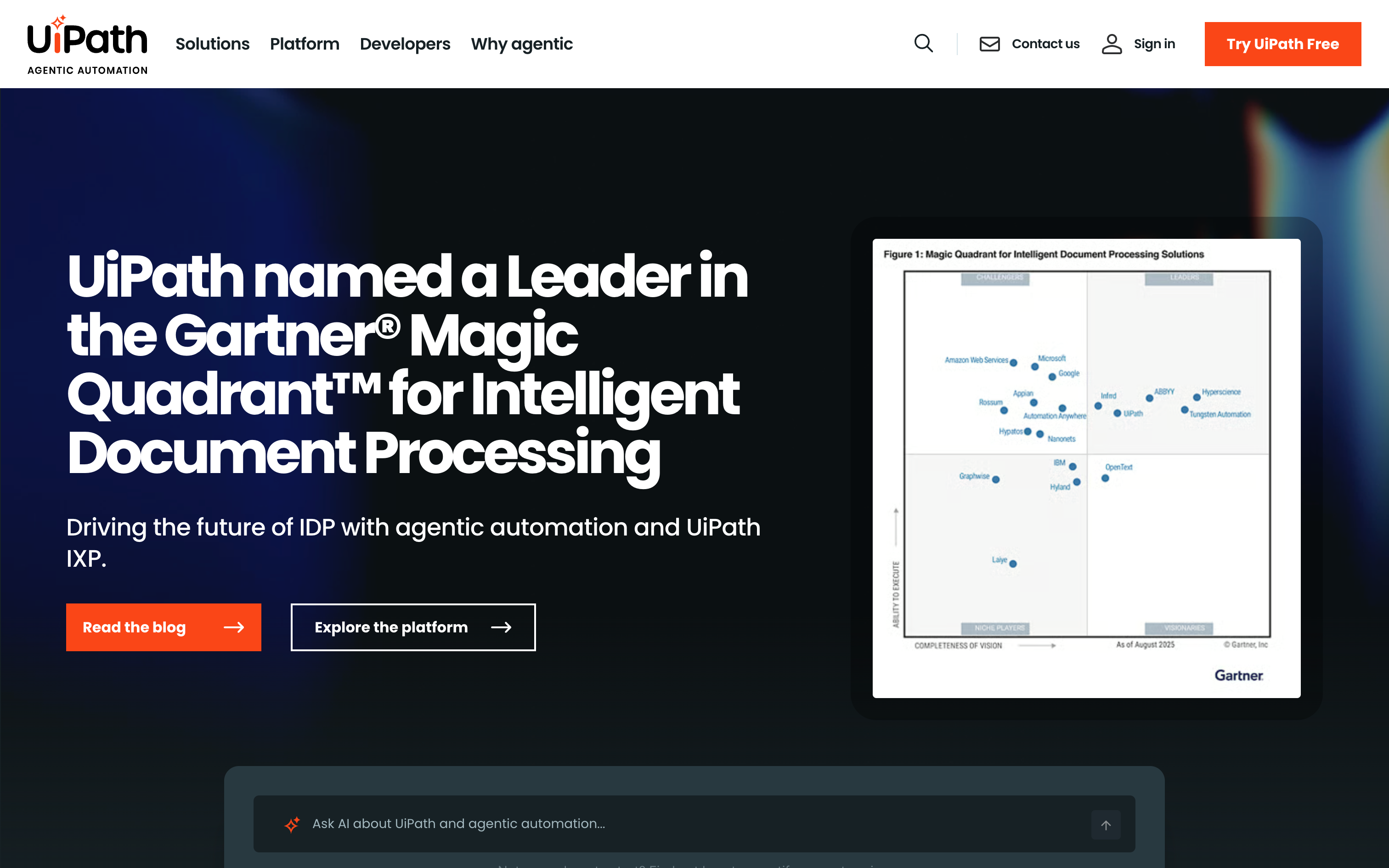
UiPath leads in RPA, now with AI-assisted document processing, computer vision, and strong orchestration. It spans attended/unattended bots across desktop and legacy systems.
Best For
Large organizations automating legacy and desktop systems with centralized RPA at scale.
Pros
Mature RPA with computer vision for tricky UIs. AI-powered document understanding and classification. Centralized orchestration and governance. Proven at global scale across industries.
Cons
Heavier implementation and enablement than low-code SaaS builders. Pricing and complexity exceed what most SMBs need.
Pricing
Enterprise pricing available; basic plan starts at $25/month.
Low-code AI workflow automation tool comparison table
Tool Best For Notable Strengths Limitations Pricing (high-level) Vellum Personal AI assistant for individual workflow automation, research, tasks, scheduling, coordination, with persistent memory and proactive reach-outs. • Persistent memory engine • Multi-channel: Mac, iOS, web app, voice, email, Telegram, Slack • Native macOS desktop control via Accessibility APIs • Local-first architecture with credential isolation • Proactivity engine for autonomous background task execution • Free Base plan; Pro from $50/mo • Different paradigm from visual canvas builders • Better for individual than cross-system enterprise orchestration Free Base plan; Pro from $50/mo with pay-as-you-go credits Wrk Operations and business teams wanting managed AI workflow automation without internal engineering bandwidth. • Fully managed delivery, Wrk builds, runs, and maintains automations on the client’s behalf • 2,500+ pre-built bots/connectors spanning APIs, RPA, OCR, AI, and HITL • Single workflow engine combining ChatGPT/Anthropic, vision-driven RPA, and human steps • Consumption pricing tied to output delivered with no per-user fees • Iteration cadence depends on Wrk’s team rather than the buyer’s analyst • Less suited for engineering-led teams wanting full custom control via SDKs $1,000 setup + consumption credits from $250/mo Zapier Non-technical teams that want fast, simple SaaS automations with light AI steps. • Huge connector catalog with friendly builder and templates • AI actions like summarize and classify plug into existing zaps • Reliable for webhook driven, single purpose tasks • Strong community library to get first automations live quickly • Limited for complex AI orchestration and model lifecycle needs • Costs can climb with multi step, high volume flows and premium apps Free tier; paid plans from ~$20/mo Make Ops teams running high volume, multi branch workflows where deterministic routing dominates. • Granular routers, iterators, and mapping for complex logic • Economical at high throughput compared to many iPaaS tools • Solid error handling, retries, and replay options • Visual debugger that makes intricate flows easier to reason about • UI can feel heavy for simple, one off automations • AI specific features are basic with no native evals or model versioning Free tier; paid plans from ~$9/mo n8n Engineering forward teams needing open source, self hosted, and easily extensible automation. • Open source with active community and fair code license • Fully self hostable with Docker or Kubernetes • Extensible via custom JavaScript nodes and APIs • Strong fit when data cannot leave your environment • Governance and observability require more DIY work • Less approachable for non technical users without training Free open source; cloud plans from ~$20/mo Pipedream Developer teams that prefer a code first, serverless approach for event driven automations. • Native coding experience with JS, TS, Python and NPM support • Great for webhooks, streams, and API mashups • Strong logging, secret management, and step level introspection • Ideal when automations need meaningful custom code • Not suitable for non technical builders • Smaller connector catalog than Zapier or Make for long tail SaaS Free tier; paid plans from ~$29/mo Microsoft Power Automate Microsoft centric organizations needing approvals, governance, and combined cloud plus desktop RPA. • Deep integrations with Microsoft 365, Dynamics, Teams, and Azure • Built in governance, connectors, and approval workflows • Hybrid cloud automation plus desktop RPA for legacy apps • AI Builder for forms, classification, and data extraction • Licensing and SKU choices can be complex to navigate • Non Microsoft connectors often lag in depth and polish Free trial; paid plans from ~$15/mo Workato Enterprises needing deep iPaaS governance, environments, SLAs, and a large connector catalog. • Enterprise grade governance, RBAC, and environments • 1,000+ connectors with strong lifecycle management • Monitoring, alerting, and error handling at scale • Recipes and accelerators for common enterprise patterns • Premium pricing relative to SMB focused tools • AI native features exist but are not the main focus Enterprise pricing only Tray.ai Mid market and enterprise teams building API heavy, data rich workflows that need strong debugging. • Strong JSON and data handling for complex mappings • Strong logging, debugging, and error recovery tools • Collaboration features for multi team development • Flexible enough for both ops and developer use cases • Steeper learning curve for non technical users • Pricing geared toward mid market and enterprise buyers Enterprise pricing only UiPath Large organizations automating legacy and desktop systems with centralized RPA at scale. • Mature RPA with computer vision for difficult UIs • AI powered document understanding and processing • Centralized orchestration and governance for bots • Proven at global scale across many industries • Heavier implementation and enablement than low code tools • Pricing and complexity exceed what most SMBs need Enterprise pricing; basic plans from ~$25/mo StackAI Organizations with strict compliance and data residency needs that want an AI workflow layer in controlled environments. • Knowledge ingestion and retrieval with semantic routing • Multiple deployment models for regulated data (cloud, hybrid, on prem) • Emphasis on security, compliance, and access controls • Templates for common AI application and workflow patterns • Enterprise oriented and heavy for lightweight automations • Less suited for general SaaS wiring than broad iPaaS platforms Free tier; enterprise pricing available
Why Vellum Stands Out
Vellum sits at a different layer than every other tool in this list. Zapier, Make, n8n, Workato, and Wrk automate the processes your org runs. Vellum automates the work each individual on your team is doing. That’s not a limitation, it’s a different layer of the stack. The two categories often coexist: Wrk or Make handling team process automation, Vellum handling what each person needs to get done.
What makes Vellum genuinely different is the memory and proactivity engine. Every other tool in this list starts fresh with each run. Vellum builds a persistent model of who you are, your preferences, projects, recurring tasks, and patterns, and acts on that model autonomously. You don’t configure it. You use it.
When Vellum is the right fit
Vellum is the right call when the automation need is personal, not organizational. If you’re managing research workflows, task follow-ups, scheduling coordination, or daily operational overhead, and you want an AI that learns and initiates rather than one you have to prompt, Vellum is built for that. It’s also the right choice for privacy: local-first architecture means your workspace and memories live on your device, not in a cloud you don’t control.
How Vellum compares (at a glance)
- vs Wrk. Wrk is a managed service that builds and runs business process automations for your org. Vellum is a personal AI that automates each individual's daily work. The two operate at different layers, and many orgs use both.
- vs Zapier or Make. Both excel at event-driven SaaS automations and deterministic routing. Vellum handles the judgment-heavy personal work that doesn't fit a trigger-action model.
- vs n8n. n8n gives engineers full control over self-hosted automation infrastructure. Vellum gives individuals a persistent, proactive AI that requires no workflow design at all.
What you can do in your first week with Vellum
Give Vellum access to your calendar, email, and task manager and let it run. By the end of the first week it will be initiating on recurring tasks, flagging things that need attention, and handling first-draft responses, without you prompting it each time.
Week 1: Connect your tools and let Vellum learn your context.
Week 2: Add skills for specific workflows, meeting prep, research summaries, follow-up drafts.
Week 3: Enable the proactivity engine for autonomous hourly check-ins and background task execution.
Extra Resources
The plugin ecosystem is where Vellum pulls ahead for good. Over 35 open-source plugins extend your assistant with specialized capabilities, from inbox triage to marketing automation to workflow automation. Each one installs with a single command and runs sandboxed with per-actor permissions, so your credentials stay isolated from the model.
This is what gives your assistant superpowers. Instead of waiting for a product team to ship the feature you need, you install a plugin that adds it today. Browse the directory, pick what fits your workflow, and your assistant gains a new capability in seconds. You can build your own just as easily, no coding required.
1. Vellum: Best personal AI assistant for individual workflow automation
Plugins give your assistant superpowers
Browse our team built and security tested library of plugins on memory, productivity, developer tools, and more.
FAQs
What’s the difference between an AI workflow automation tool and a personal AI assistant?
AI workflow automation tools like Zapier, Make, and n8n automate team processes, trigger-action flows that move data between apps. Personal AI assistants like Vellum are built for the individual, they build a model of the person over time and act autonomously on their behalf. Both are growing fast; many teams use both.
What’s the difference between an AI agent and an AI workflow automation?
Agents make autonomous decisions at each step and can deviate from a path based on what they observe. Workflow automations follow a governed path with defined handoffs and fallbacks. The distinction is blurring as more platforms add agentic primitives, but for compliance-heavy use cases, a governed workflow with auditability is usually the right architecture.
Who should use low-code AI workflow automation tools?
Product, ops, marketing, and sales teams who need to automate AI-assisted processes without waiting for engineering cycles. Engineers who want to build quickly and then extend with SDKs once the logic is validated. Any team running the same AI-assisted task manually more than a few times a week.
What is Wrk and how is it different from Zapier or Make?
Wrk is a managed AI workflow automation service, their team builds, runs, and maintains your automations using 2,500+ pre-built bots. Zapier and Make are self-serve builders where your team designs the workflows. Tradeoff: Wrk removes setup burden entirely but iteration speed depends on Wrk’s team. Zapier and Make give you direct control.
How is AI workflow automation different from RPA or iPaaS?
iPaaS tools connect SaaS apps via APIs. RPA automates desktop tasks via UI interaction. AI workflow automation adds semantic decisioning, classification, generation, summarization, as a native step, not a bolted-on connector. The best platforms treat AI as a first-class primitive.
What should I ask vendors when evaluating AI workflow automation tools?
How are evaluations defined and compared? What’s the trace granularity (node-level or run-level)? What governance controls exist (RBAC, audit logs, secrets management)? What deployment options are available (cloud, VPC, on-prem)? How does model or prompt versioning work?
Can non-technical users really build AI workflow automations?
Yes, with the right platform. Zapier and Make are the most accessible for non-technical users. Wrk removes the build requirement entirely, you describe the process and they build it. Vellum requires no workflow design at all for personal automation use cases.
What deployment and security options matter most?
Cloud is fastest to start. VPC or on-prem is required when data can’t leave your environment, common in healthcare, finance, and government. Prioritize SOC 2 Type II, RBAC, audit logs, and secrets management regardless of deployment model.
How do you measure success with AI workflow automation?
Time-to-first-value (days not months), weekly run volume, error and fallback rates, per-run cost and latency, and, once evals are running, eval pass rate across prompt or model changes.
How do we update automations safely as they evolve?
Use prompt and model versioning with golden-set eval checks before promoting changes. In platforms that support it (Vellum, n8n, Workato), use dev/stage/prod environments so changes are validated before hitting production runs.
Best AI Assistants for Developers in 2026 →
Citations
[1] Atlassian (2026). State of Teams Report 2026.
[2] MIT NANDA (2025). State of AI in Business 2025.