A fast, expert walkthrough of the best enterprise AI agent-building platforms for 2026: what they are, why they matter, how to choose, and the top 10 tools enabling secure, scalable, and compliant AI agent orchestration.
Quick overview
Enterprise AI automation platforms are reshaping how organizations design, orchestrate, and govern AI agents at scale.
The best solutions in 2026 focus on security, model flexibility, collaboration, and governance. They equip technical and non-technical teams to build reliable, enterprise-safe AI agents that augment workflows rather than replace them.
Top 4 AI automation platform shortlist
- Vellum: open-source personal AI assistant that runs on your Mac or in Vellum Cloud, sharing one memory across iOS, web app, voice, email, Telegram, and Slack.
- Microsoft Power Automate: enterprise workflow automation with deep Microsoft 365 integration.
- AWS Bedrock AgentCore: secure, scalable AI agent orchestration on AWS.
- Vertex AI Agent Builder: low-code AI workflow building on Google Cloud.
What are enterprise AI automation platforms?
Enterprise AI automation platforms are agent-building environments that help organizations design, orchestrate, and manage AI powered workflows across multiple systems. Instead of only automating manual processes, they enable teams to create AI agents that can reason, retrieve data, and act autonomously within enterprise guardrails.
These platforms combine no-code builders, model orchestration, and governance features so enterprises can prototype, test, and deploy intelligent agents safely and efficiently.
Why use AI automation platforms?
Enterprise AI automation platforms help organizations design, build, and control AI agents that enhance productivity, compliance, and scalability across teams. They enable safe experimentation, faster iteration, and better oversight for every stage of agent development.
Accelerate agent development:
- Rapidly prototype and deploy agents using natural language or low-code builders.
- Reuse prebuilt templates and connectors for faster experimentation.
- Integrate prompt design, testing, and evaluation directly into one environment.
- Version and roll back agents instantly with built-in lifecycle controls.
- Continuously improve performance through automated evals and feedback loops.
Enable collaboration:
- Create shared workspaces for operations, product, and engineering teams.
- Enable real-time co-editing, commenting, and version comparison.
- Assign role-based permissions to control who builds, tests, or approves agents.
- Centralize feedback and deployment history in one unified dashboard.
- Bridge technical and non-technical users under the same workflow layer.
Ensure compliance and trust:
Maintain complete audit trails for every action, prompt, and output. Use built-in approval workflows before any agent goes live. Enforce governance policies for model usage, data residency, and privacy. Monitor for bias, hallucinations, or unsafe content in agent responses. Align with enterprise standards such as SOC 2, GDPR, and HIPAA.
Optimize resources and efficiency:
- Automate repetitive, data-heavy, or decision-based processes.
- Reduce manual effort across operations, IT, and support teams.
- Use AI-driven recommendations for cost optimization and resource scaling.
- Schedule automations to run during off-peak hours for better compute utilization.
- Measure ROI through analytics on saved time and process improvements.
Stay adaptable and future-ready:
Support for multiple foundation models (OpenAI, Anthropic, Google, etc.). Bring your own model (BYOM) and deploy in private or hybrid clouds. Scale across global teams with flexible infrastructure options. Extend functionality via SDKs or API-based custom nodes. Avoid vendor lock-in with open architecture and multi-cloud compatibility.
Increase visibility and observability:
Track every input, output, and decision in real time. Compare model versions and measure performance deltas. Set alerts for workflow errors, API issues, or data anomalies. Maintain a single source of truth for agent logs and metrics.
Who Needs Enterprise AI Automation?
These platforms are essential for enterprises building, governing, or scaling AI agents across business functions. They bring structure, control, and collaboration to AI initiatives that would otherwise be fragmented or risky.
Operations and IT teams: Build internal AI agents for ticket routing, incident triage, and status monitoring. Integrate with ITSM, ERP, and infrastructure monitoring tools. Reduce response times through automated alerts and knowledge retrieval. Enforce governance on internal AI deployments and workflow automations.
- Product and innovation teams: Prototype autonomous workflows and digital assistants for customer-facing use.
- Run safe A/B tests and evaluations before full-scale release.
- Connect agents with APIs, internal tools, and knowledge bases to extend product capabilities.
- Collaborate with engineering and compliance on safe design and rollout.
- Compliance and security officers: Monitor all agent interactions for compliance violations or data exposure.
- Define approval policies and enforce least-privilege access.
- Generate audit-ready documentation automatically.
- Gain visibility into how AI systems make decisions and manage sensitive data.
- Data and AI teams: Orchestrate multiple LLMs, retrieval pipelines, and fine-tuned models.
- Test, evaluate, and compare model outputs within one governed environment.
- Use built-in observability tools to debug and optimize model performance.
- Integrate with MLOps stacks to align experimentation with enterprise compliance.
- Enterprise CX and business operations teams: Deploy domain-specific agents for CRM, ERP, and HR workflows.
- Use conversational agents to assist employees or customers in real time.
- Capture insights from customer interactions to inform future automations.
- Improve service quality and speed without adding headcount.
- Executives and transformation leaders: Gain enterprise-wide visibility into AI initiatives and ROI.
- Standardize how teams build, test, and deploy AI safely.
- Align innovation with organizational governance and security frameworks.
- Accelerate transformation projects with scalable, measurable automation.
What Makes an Ideal Platform?
Security and compliance Fine-grained RBAC, SSO/SAML support, and immutable audit logs for full traceability. Data residency options and private networking (VPC, IP allowlists) for enterprise security posture. Compliance with SOC 2, ISO 27001, GDPR, and HIPAA for regulated environments.
- Integration breadth Native connectors for core enterprise systems such as CRM, ERP, ITSM, and data warehouses.
- Open APIs, webhooks, and SDKs (Python, TypeScript) for extensibility and custom integrations.
- Support for RAG components like vector databases and document retrieval pipelines.
- Model flexibility Support for multiple LLM providers plus BYOM and private model deployments.
- Prompt versioning and model routing for fine-grained performance control.
- Safety and output filters for compliant, consistent AI behavior.
- Observability and lifecycle End-to-end traces of prompts, tool calls, and outputs for debugging and accountability.
- Built-in evals and A/B testing to measure agent accuracy and reliability.
- Rollback and version comparison tools to safely iterate in production.
- Human in the loop Approval gates and review workflows for sensitive automations.
- Feedback loops that connect user ratings and evals for continuous improvement.
- Guardrails and escalation policies for error or compliance handling.
- Cost predictability Per-run and per-agent cost visibility across teams and projects.
- Budget caps, usage alerts, and auto-pausing to prevent overruns.
- Token optimization, caching, and batching to lower compute costs.
- Deployment and scalability Cloud, private VPC, or on-prem deployment options for flexible control.
- High-availability scaling with defined SLAs and performance monitoring.
- Regional isolation and DR capabilities for global enterprise resilience.
- Collaboration and governance Shared workspaces with version control and role-based access.
- Policy-as-code for standardized governance across teams.
- Approval and publishing workflows for cross-functional collaboration.
- Data and knowledge management Integrated retrieval pipelines with document embedding and freshness controls.
- Source attribution and citation for transparent, grounded responses.
- Retention and deletion policies for compliance with internal data governance.
Key trends shaping AI automation platforms in 2026
- GenAI value creation: Generative AI is projected to add $2.6 to $4.4 trillion in annual economic value, which is accelerating enterprise investment in agent platforms. [1].
- AI is mainstream in functions: 78% of organizations report using AI in at least one business function, raising the bar for governance and observability in platform choices. [2].
- Agent adoption is real: 79% of senior executives say AI agents are already being adopted inside their companies, which underscores demand for secure agent orchestration. [3].
- Budgets follow agents: CFOs report 25% of total AI budgets are already dedicated to AI agents, signaling near-term funding for agent-capable platforms. [4].
- Low-code accelerates building: Gartner’s outlook indicates about 70% of new enterprise apps will be built with low-code or no-code by 2025, favoring platforms with strong builders and SDKs. [5].
How to evaluate enterprise AI automation platforms
- Security and compliance for agents: RBAC depth, SSO/SAML, immutable audit logs, data residency, private networking, KMS. Protects sensitive data, proves control, satisfies audits.
- Integration breadth for tool use: Connectors for CRM, ERP, ITSM, data warehouses, search, vector DBs, plus strong APIs and webhooks. Lets agents call the systems they need to be useful on day one.
- Model and orchestration flexibility: Multi-model support, BYOM, per-step routing, structured outputs, function calling. Avoids lock-in and lets you choose the best model for each task.
- Observability and lifecycle: End-to-end traces, evals and A/B tests, versioning, rollbacks, drift detection. Enables safe iteration and fast debugging when agents misbehave.
- Collaboration and guardrails: Shared workspaces, approvals, review queues, human-in-the-loop patterns. Maintains oversight and spreads safe building across teams.
- Building enablement: Quality no-code builder, starter templates, sample agents, SDKs, docs, in-product guidance. Reduces time to first value and increases adoption.
- Cost control for experimentation: Per-run cost views, budgets and alerts, caching, token optimization, quotas. Prevents overruns while teams iterate and learn.
- Scalability and deployment options: Cloud, private VPC, on-prem, SLAs, HA, DR, regional isolation. Supports enterprise growth and reliability requirements.
- Data and knowledge management: Retrieval pipelines, embedding management, freshness rules, citations, retention controls. Grounds responses in trusted data and meets governance needs.
How we chose the best enterprise AI automation platforms
We evaluated each platform the way enterprise teams actually build agents. The focus was on safe experimentation, fast iteration, and strong governance before production.
We scored platforms on:
- Building enablement: Quality of no-code builder, starter templates, sample agents, docs and tutorials, SDKs, quickstarts, and in-product guidance that reduce time to first value.
- Collaboration and guardrails: Shared workspaces, approvals, review queues, human-in-the-loop patterns.
- Security and compliance for agents: RBAC depth, auditability of prompts and tool calls, data residency, policy controls.
- Integration breadth for tool use: Connectors and APIs that let agents call CRMs, ERPs, data warehouses, search, and RAG sources.
- Model and orchestration flexibility: Multi-model support, BYOM, per-step routing, structured outputs, function calling.
- Observability and lifecycle: Full traces, evals and A/B tests, versioning, rollbacks, drift detection.
- Cost control for experimentation: Per-run cost views, budgets and alerts, caching and token optimization, scalable quotas.
Expected trade-offs:
Integration depth vs ease of setup Model choice vs vendor-specific optimizations Tighter governance vs iteration speed Lower costs vs richer eval and observability No-code speed vs extensibility with SDKs and APIs
1. Vellum, open-source personal AI assistant for enterprise teams
Quick overview
Vellum is an open-source personal AI assistant that runs as a native Mac app on your machine or in Vellum Cloud, with iOS, web app, voice, email, Telegram, and Slack surfaces that share one memory. For enterprise teams, that means every guardian gets a working assistant on day one, with skills written in Python or TypeScript to plug into the systems and data their role actually touches. Vellum never has access to your data on any deployment path.
Best for
Enterprise teams who want every employee to have a dedicated AI assistant with persistent memory and skills, deployable on individual machines or shared infrastructure.
Strengths
- Open source with on-device option, so sensitive workflows stay on company hardware.
- Working assistant on day one across seven native surfaces (Mac, iOS, web app, voice, email, Telegram, Slack).
- Persistent memory shared across surfaces, scoped per guardian.
- Skill system in Python or TypeScript for connecting to internal systems and data.
Trade-offs
- Brief learning curve as your assistant builds context on you.
Pricing
Free Base plan. Pro from $50/mo with pay-as-you-go credits, configurable compute and storage, and your assistant's own email and subdomain.
2. Microsoft Power Automate: Microsoft native AI automation
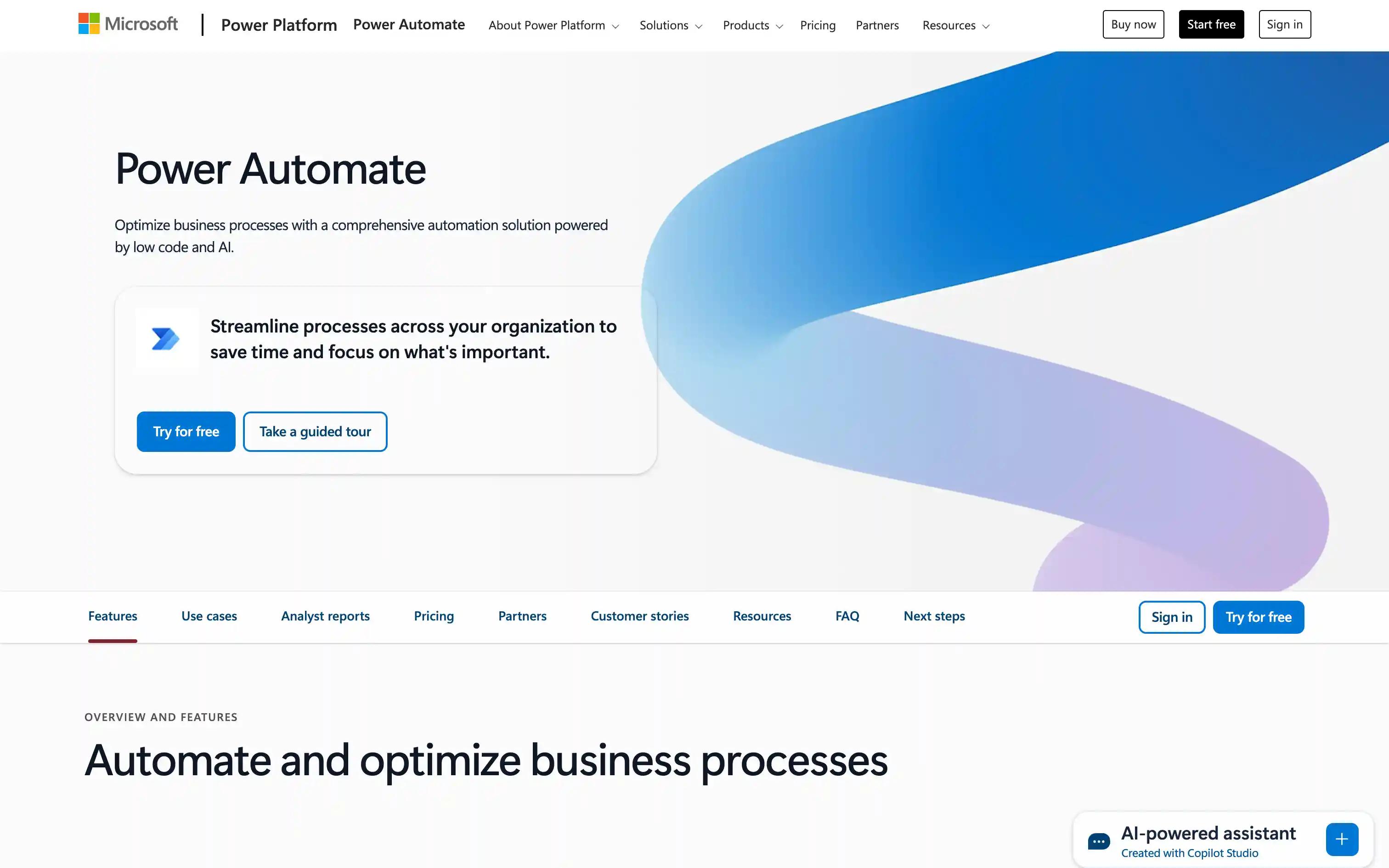
Overview: Microsoft Power Automate is a low-code automation platform with deep Microsoft 365 and Copilot integration for fast, ecosystem-native agent workflows.
Best for: Organizations seeking smooth automation within the Microsoft ecosystem.
Pros:
Deep integration with Microsoft 365 and Azure Extensive library of prebuilt connectors Strong RBAC and compliance features
Cons:
Limited model flexibility (Microsoft stack focus) Can be costly at scale
Pricing: From ~$15/user/month
3. AWS Bedrock AgentCore: AWS native AI agent orchestration
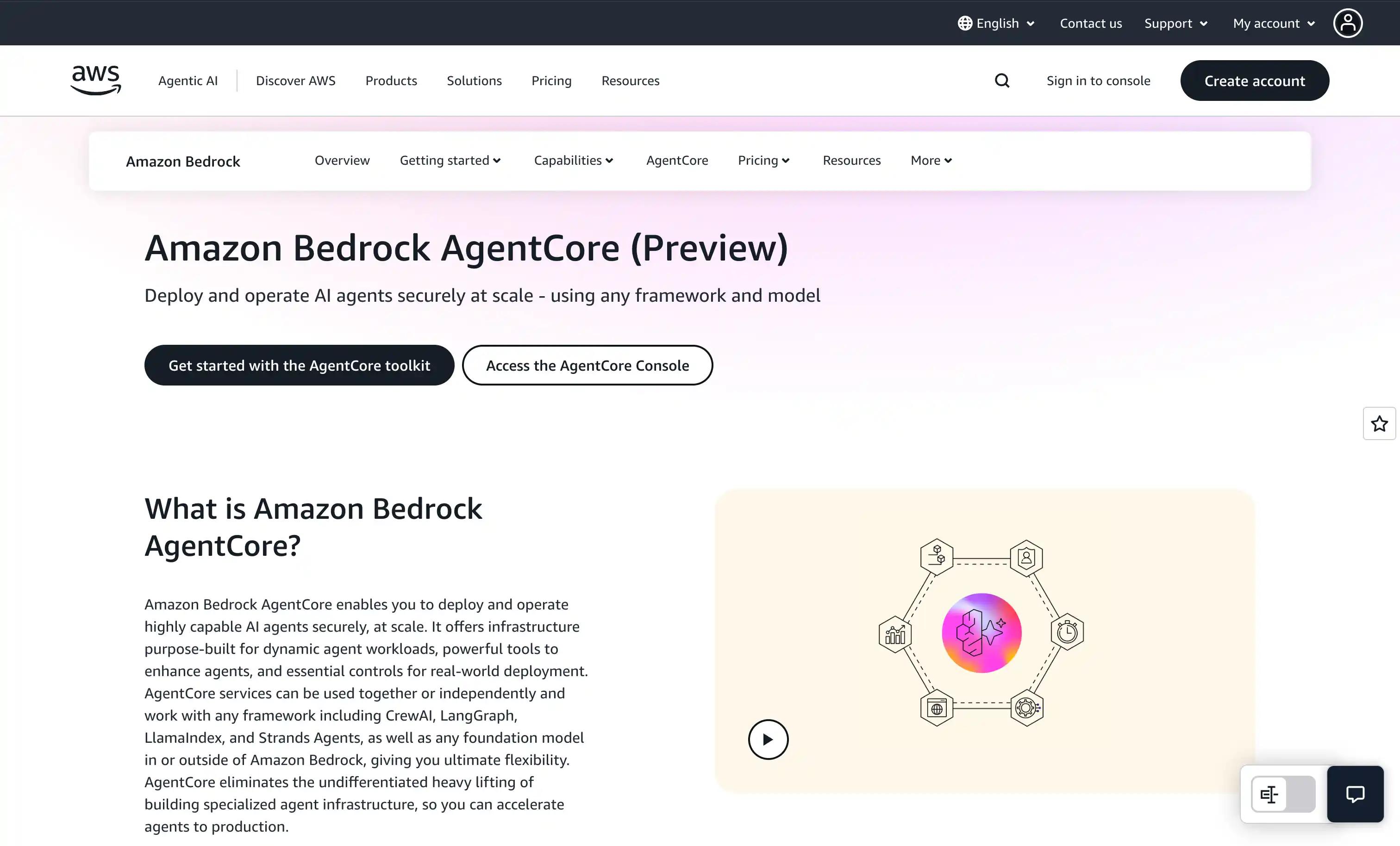
Overview: AWS Bedrock AgentCore is an AWS-native orchestration layer for secure, scalable AI agents that integrate tightly with AWS services.
Best for: Enterprises building AI agents on AWS infrastructure.
Pros:
Native integration with AWS services High scalability and security controls Supports multiple foundation models
Cons:
AWS-centric; limited portability Steeper learning curve for non-AWS users
Pricing: Usage-based (AWS)
4. Vertex AI Agent Builder (Google Cloud): Google-native AI automation
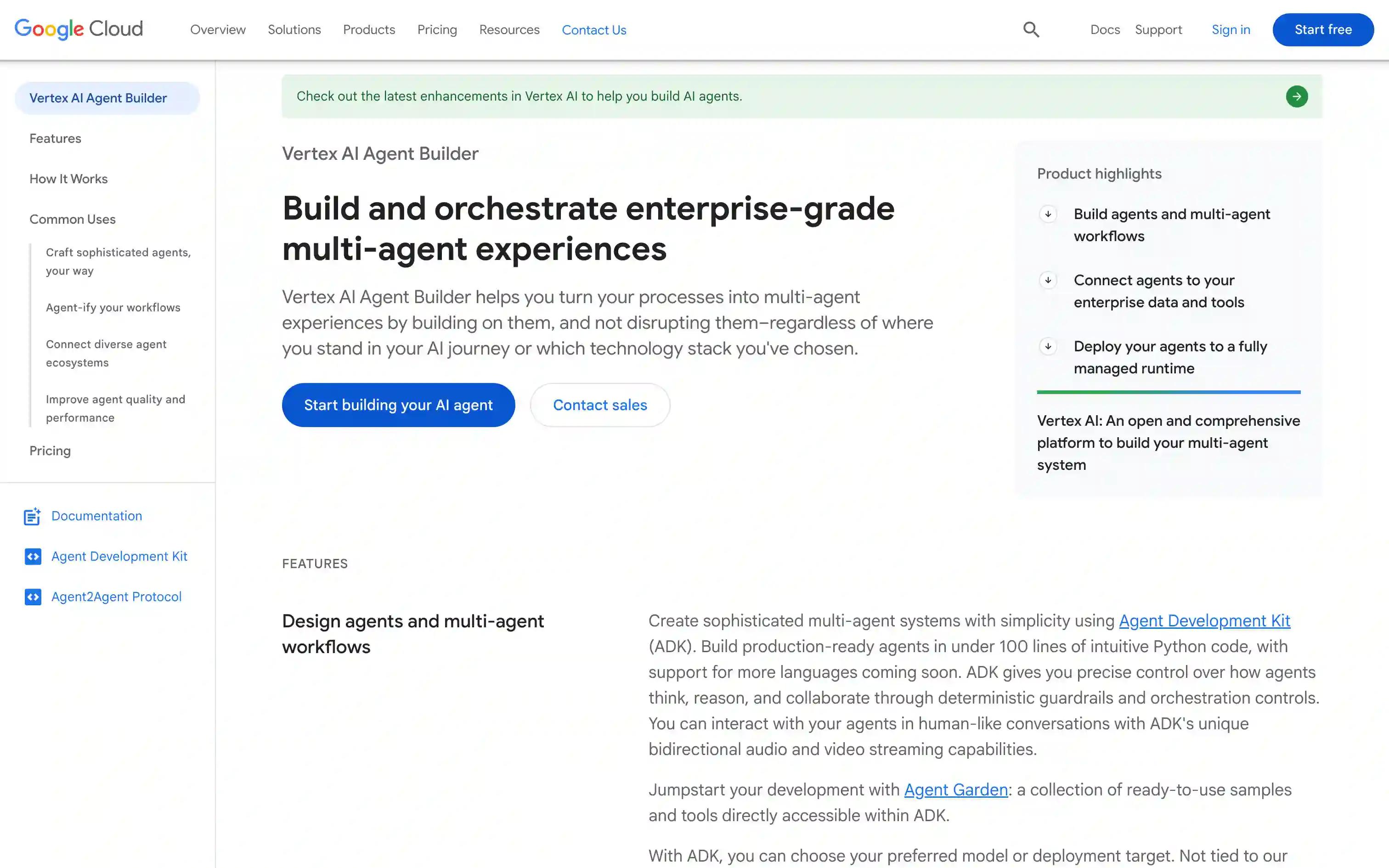
Overview: Vertex AI Agent Builder is a Google Cloud toolset for low-code agent creation that runs close to GCP data and models with managed governance.
Best for: Teams using Google Cloud for AI agent development.
Pros:
Tight integration with Google’s AI ecosystem Supports multi-modal and custom models Built-in data governance features
Cons:
Google Cloud lock-in risk Some advanced features require GCP expertise
Pricing: Usage-based (GCP)
5. Tray.ai: Connector-focused AI workflows
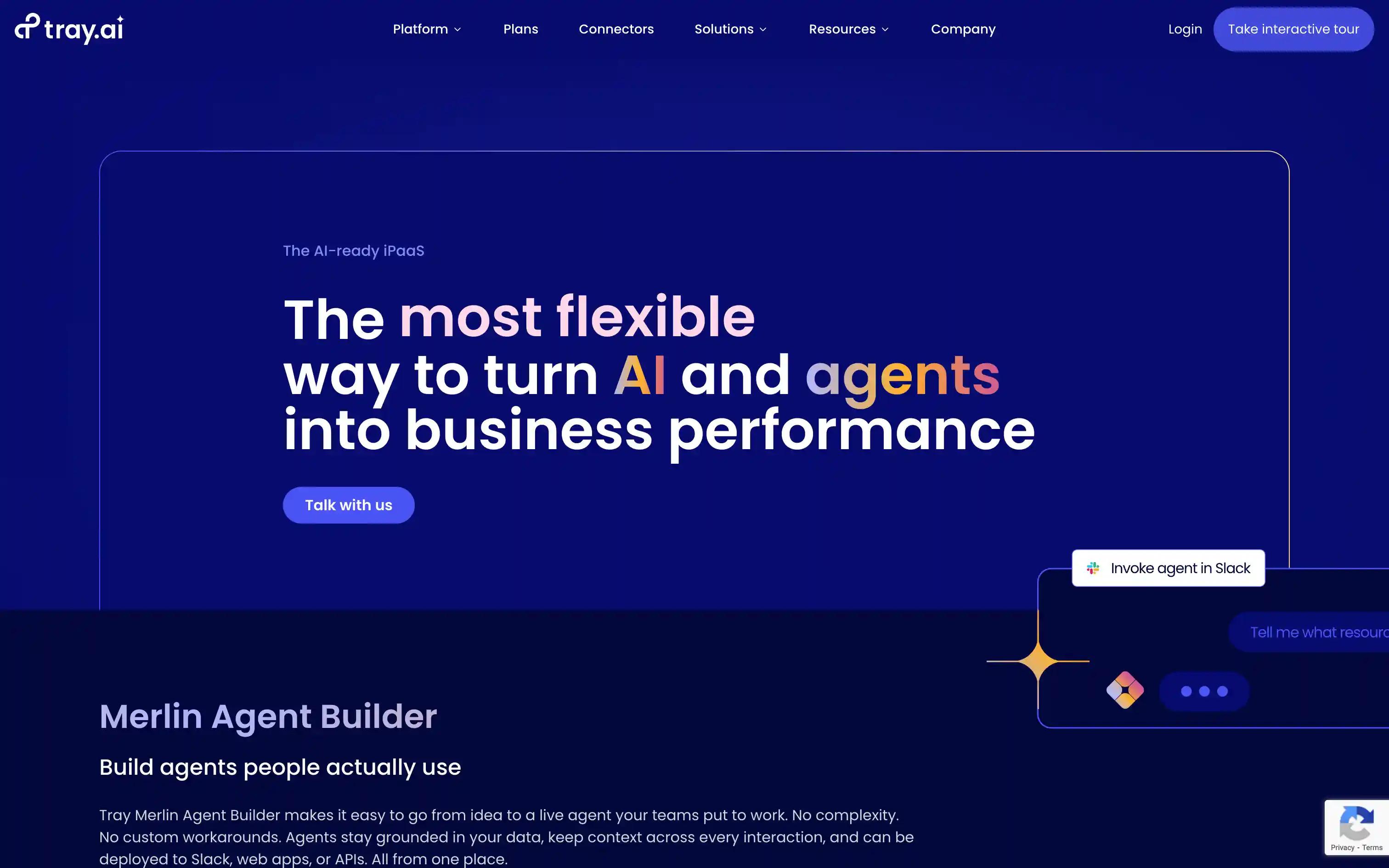
Overview: Tray.ai is an enterprise workflow builder with broad connectors and a visual builder for complex, multi-app automation with AI-powered steps.
Best for: Businesses needing broad SaaS integrations and workflow automation.
Pros:
Extensive connector library (SaaS, APIs) Visual low-code builder Supports complex, multi-step workflows
Cons:
AI capabilities are less mature Pricing can escalate with scale
Pricing: Enterprise pricing only
6. n8n: Developer-focused automation platform
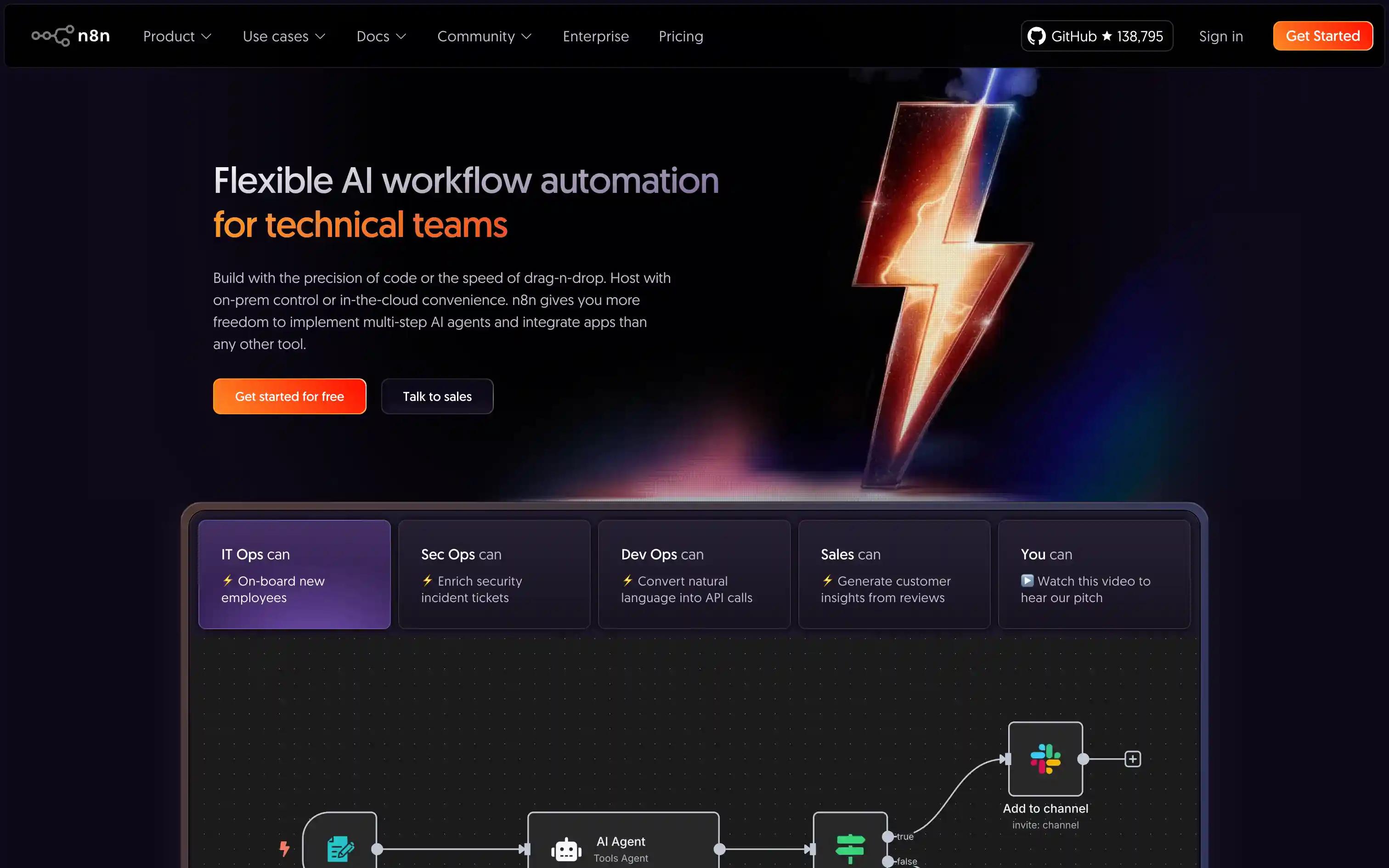
Overview: n8n is an open developer-focused automation platform that gives technical teams flexible nodes, custom code, and on-prem control.
Best for: Teams wanting open-source, self-hosted automation with AI extensions.
Pros:
Self-hosting and on-prem support Flexible workflow customization Strong community plugins
Cons:
Limited enterprise governance out-of-the-box Requires technical setup
Pricing: Free OSS; Cloud from $20/month
7. Zapier: No-code automation for business apps
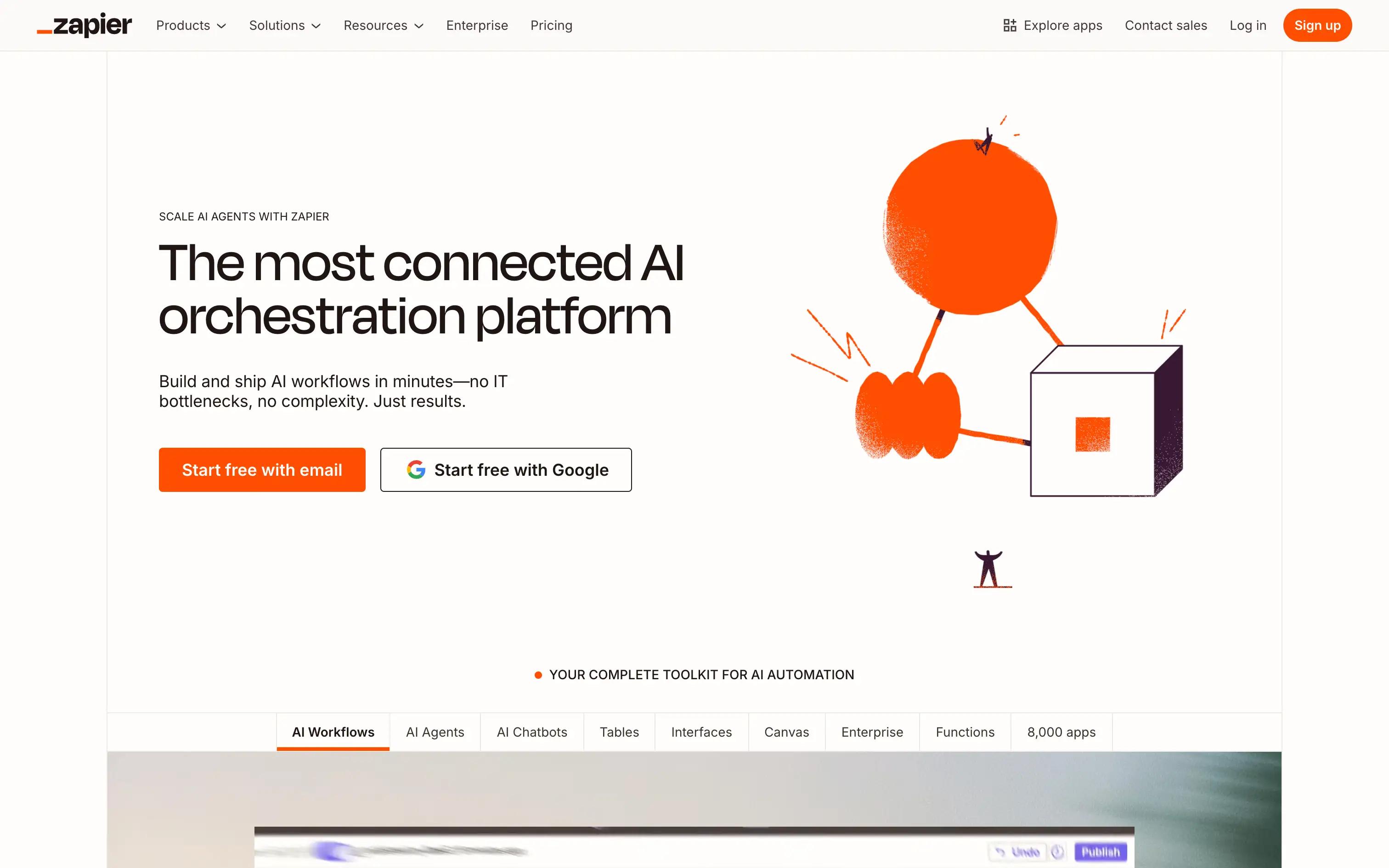
Overview: Zapier is a simple no-code automation platform that connects thousands of SaaS apps for quick, lightweight agent-like workflows.
Best for: Business users automating tasks across popular SaaS tools.
Pros:
Simple, no-code interface 6,000+ app integrations Fast setup for common workflows
Cons:
Limited AI/model orchestration Less suited for complex enterprise needs
Pricing: Free; from $19.99/month
8. Lindy AI: AI assistant automation
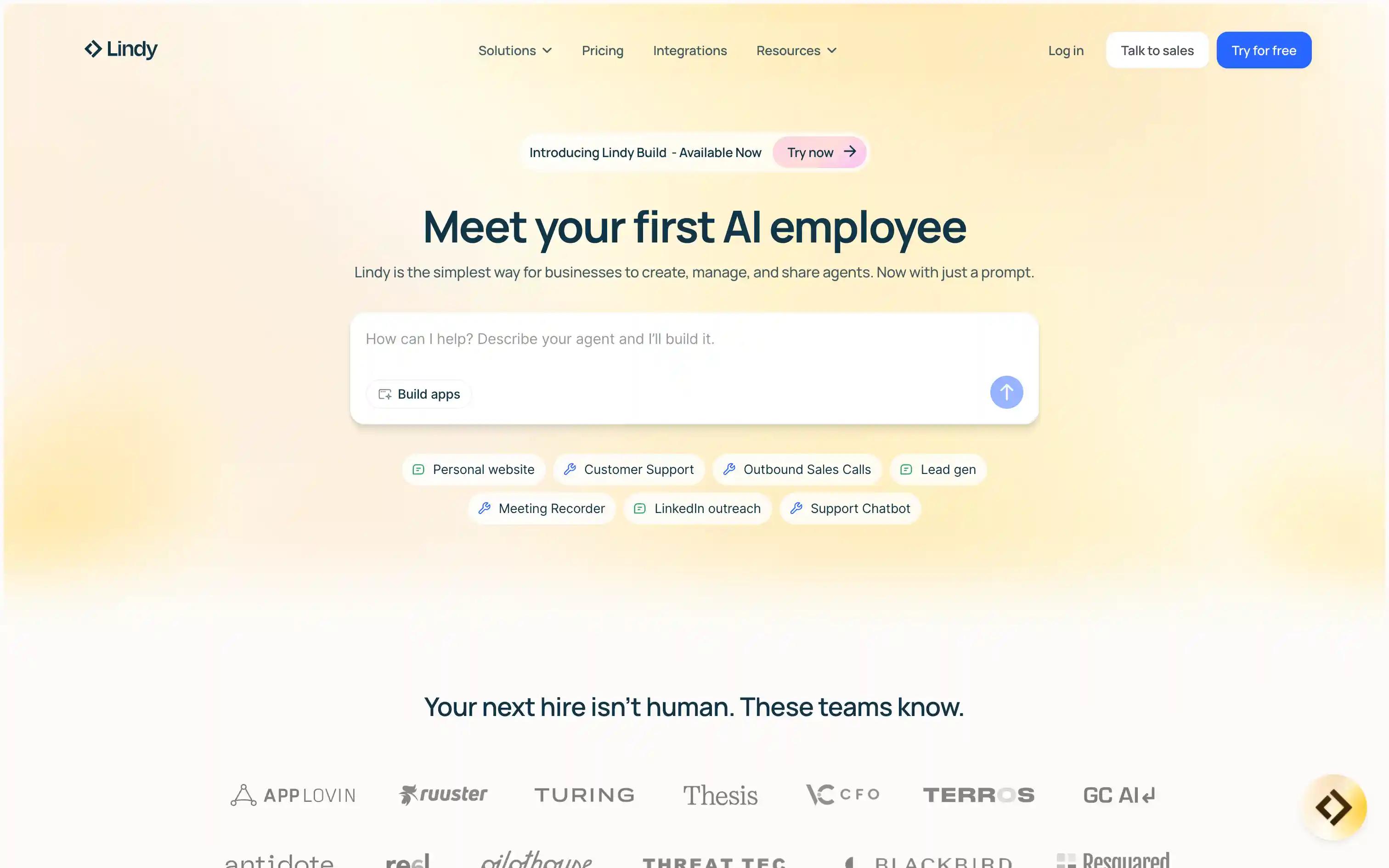
Overview: Lindy AI is an assistant builder that uses natural language and templates to automate repetitive coordination and knowledge tasks.
Best for: Automating repetitive tasks with AI-powered assistants.
Pros:
Natural language workflow creation Prebuilt AI agent templates Easy integration with common tools
Cons:
Less control over model choice Early-stage enterprise features
Pricing: From $25/month
9. Gumloop: Model orchestration automations
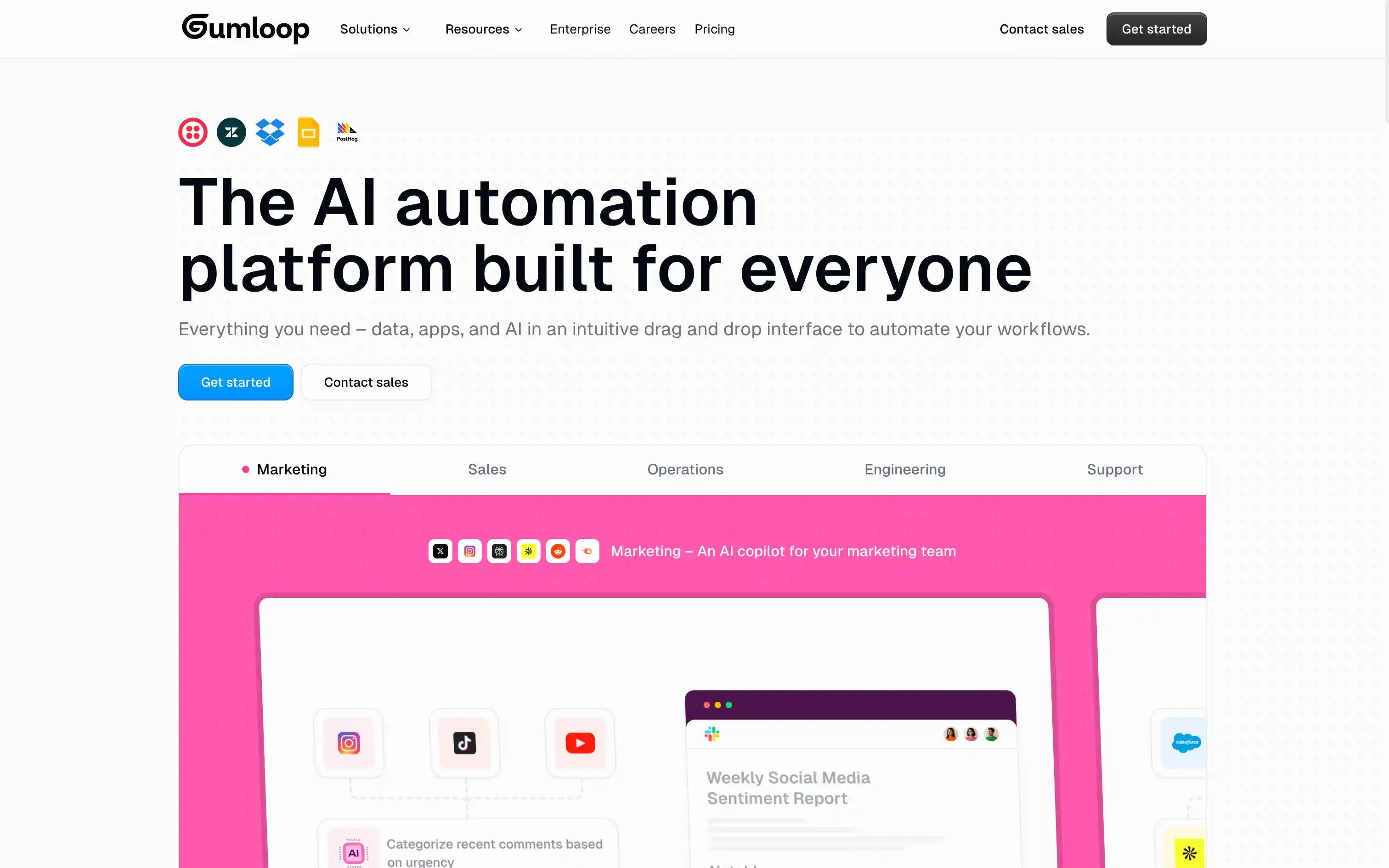
Overview: Gumloop is a model orchestration and testing layer for comparing, routing, and managing multiple LLMs across providers.
Best for: Teams needing to manage multiple AI models in automations.
Pros:
Model-agnostic orchestration Multi-cloud support No-code building
Cons:
Fewer workflow automation features Smaller integration catalog
Pricing: Free; from $37/month
10. Stack AI: Low-code AI workflow builder
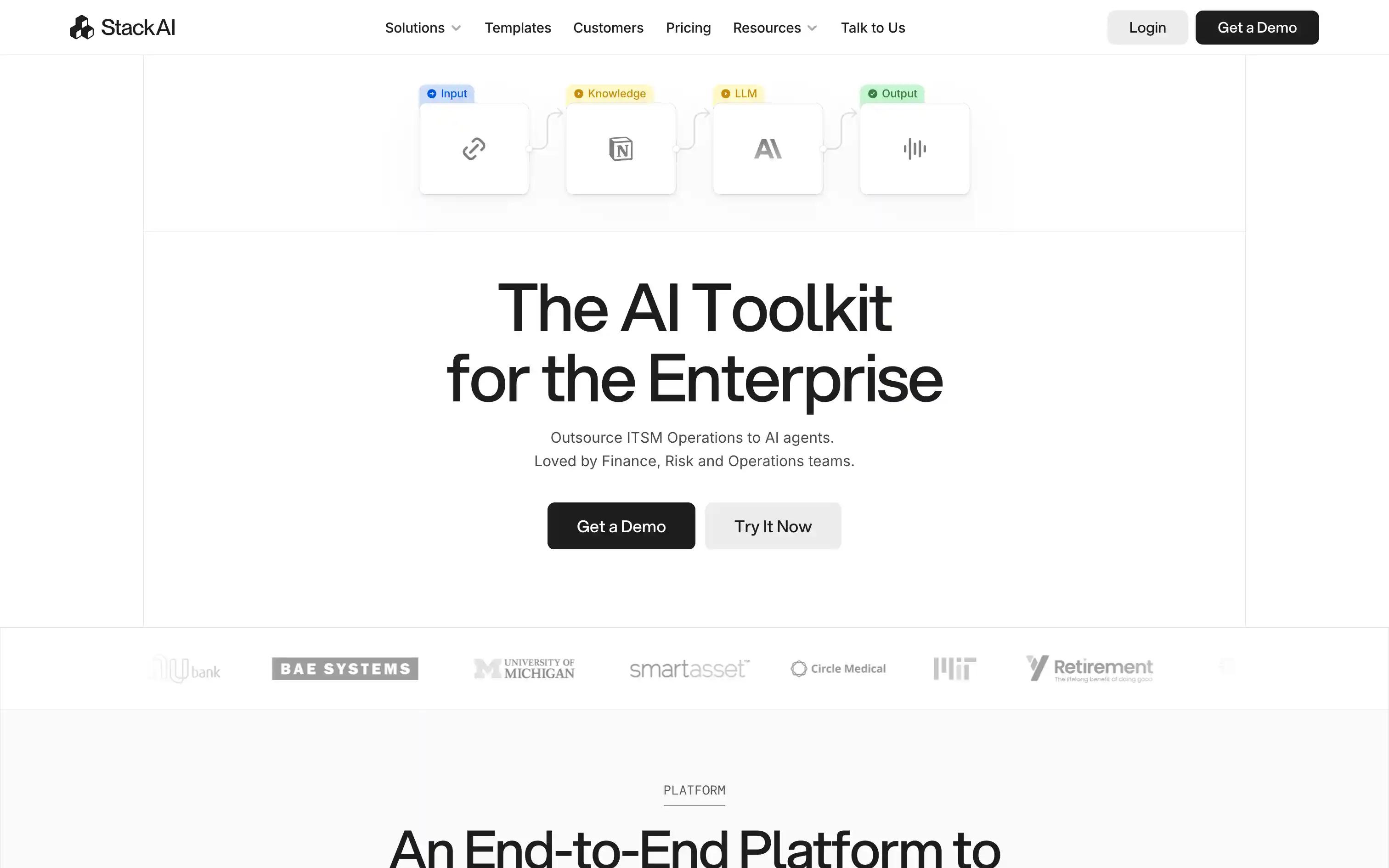
Overview: Stack AI is a low-code canvas for rapid AI workflow prototyping that supports multiple models for fast iteration.
Best for: Rapid prototyping of AI-powered workflows.
Pros:
Drag-and-drop builder Supports multiple LLMs Fast iteration for MVPs
Cons:
Limited governance for large enterprises Observability features still developing
Pricing: Free tier; Enterprise plan
Enterprise AI automation platform comparison table
| Tool | Starting Price | Key Features | Best Use Case | Rating |
|---|---|---|---|---|
| Vellum | Free Base; Pro from $50/mo | Open-source personal AI assistant, on-device or Vellum Cloud, seven native surfaces sharing one memory, Python/TypeScript skills | Every employee gets a dedicated assistant with persistent memory | 5/5 |
| Microsoft Power Automate | From $15/user/mo | Workflow automation, Microsoft 365 integration, RPA | Microsoft-centric office automation | 4/5 |
| AWS Bedrock AgentCore | Usage-based | Agent orchestration, model choice, AWS security primitives | AWS-native agent deployments | 4/5 |
| Vertex AI Agent Builder | Usage-based | Low-code agent builder, Google Cloud ML, Gemini integration | Google Cloud-native AI workflows | 4/5 |
| Tray.ai | Contact sales | Connector-rich iPaaS, AI workflow extensions | Connector-heavy integration projects | 4/5 |
| n8n | Free self-host; Cloud from $24/mo | Open-source workflow builder, code nodes, self-hostable | Developer-driven automation | 4/5 |
| Zapier | Free; paid from $19.99/mo | Largest app catalog, no-code triggers | SaaS task automation | 4/5 |
| Lindy | Free; paid from $49.99/mo | AI agent templates for business tasks | Sales, support, ops agents | 3.5/5 |
| Gumloop | Free; paid from $97/mo | Visual canvas, LLM step routing | Multi-model orchestration | 3.5/5 |
| Stack AI | Contact sales | Low-code RAG and chat agents | Internal RAG apps | 3.5/5 |
Why teams are choosing Vellum for enterprise AI
Most enterprise AI platforms ship primitives, a builder, an evaluation suite, a governance layer, and ask teams to assemble a working agent from them. Vellum ships the working assistant itself, one per guardian, with persistent memory and skills that plug into the systems each role actually uses. The result is a faster path from rollout to real productivity gains across teams, without giving up control over data or deployment.
FAQs
What is an enterprise AI automation platform?
An enterprise AI automation platform helps teams design and run AI workflows or agents that connect to business systems, make decisions, and take action. The category spans no-code workflow builders, agent orchestration platforms, and personal AI assistants like Vellum that bring memory and skills to every employee.
How is an AI agent different from a traditional workflow?
Agents reason, retrieve context, and choose actions based on the situation. Traditional workflows follow fixed rules. Enterprise teams reach for agents when the logic has to adapt to changing inputs.
How do I evaluate AI automation platforms for security and compliance?
Look for SSO or SAML, fine-grained access controls, audit logs, data residency options, and private networking. Personal AI assistants like Vellum can also run on-device, which removes a class of cloud-data-exposure questions entirely.
Why do enterprises choose Vellum for AI automations?
Vellum lets teams turn plain English into working agents, then refine with a visual builder or SDK. Built-in evaluations, versioning, and end-to-end traces make it easier to prove reliability and scale with confidence.
Can Vellum run on different infrastructure?
Yes. Vellum runs as a native Mac app on individual machines or in Vellum Cloud, so teams can match deployment to the sensitivity and shape of the workload.
How do I control cost while experimenting with AI tools?
Look for usage-based pricing with clear per-action costs, plus the ability to scope what each user can run. Vellum's Pro plan uses pay-as-you-go credits with configurable compute and storage so spend tracks actual use.
How do I connect AI assistants to internal systems and data?
The best platforms expose a skill or extension model so teams can wire the assistant into the CRMs, data warehouses, ticketing systems, and internal APIs they already run. Vellum's skill system uses plain Python or TypeScript for this.
What observability should I expect from an enterprise AI platform?
You want visibility into what the assistant did, when, and on whose behalf, plus the ability to inspect and roll back changes. Personal AI assistants log per-guardian actions so audits stay scoped to the individual.
Can non-technical teams use AI automation tools safely?
Yes, when the platform provides scoped permissions, sensible defaults, and clear visibility into what the AI is doing. Personal AI assistants like Vellum sidestep the build step entirely for most users, who get a working assistant out of the box.
How should I deploy AI tools in sensitive environments?
Look for on-device, private cloud, and customer-managed key options. Vellum's Mac app keeps sensitive workflows on company hardware; Vellum Cloud is available when shared memory across the seven surfaces is needed.
When should I use a simpler tool instead?
If the only need is connecting two SaaS apps on a fixed schedule, a tool like Zapier is enough. As soon as the workflow involves judgment, memory, or connecting to internal systems and data, a personal AI assistant fits better.
Extra Resources
Top AI agent frameworks for developers →
Top 13 AI agent builder platforms for enterprises →
No-code AI workflow automation tools guide →
Top low-code AI workflow automation tools →
Citations
[1] McKinsey & Company (2023). The economic potential of generative AI: The next productivity frontier .
[2] McKinsey & Company (2025). The State of AI 2025 .
[3] PwC (2025). AI Agent Survey 2025 .
[4] Salesforce Research (2025). CFOs invest in AI for growth .
[5] Jitterbit (2025). The Future of Low Code .